• Home

Box Hover Effects – Part 1

We Design Brands Experiences And Interfaces

Box Hover Effects – Part 1

Steps for setup box hover effects


1. Download Box Hover Effects Part1.zip File.

2. Unzip file.
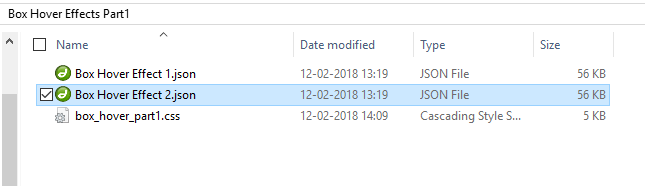
Box Hover Effects - Part 1

3. Import "Box Hover Effect 1.json" and "Box Hover Effect 2.json" file on Divi -> Divi Library -> Import & Export Button
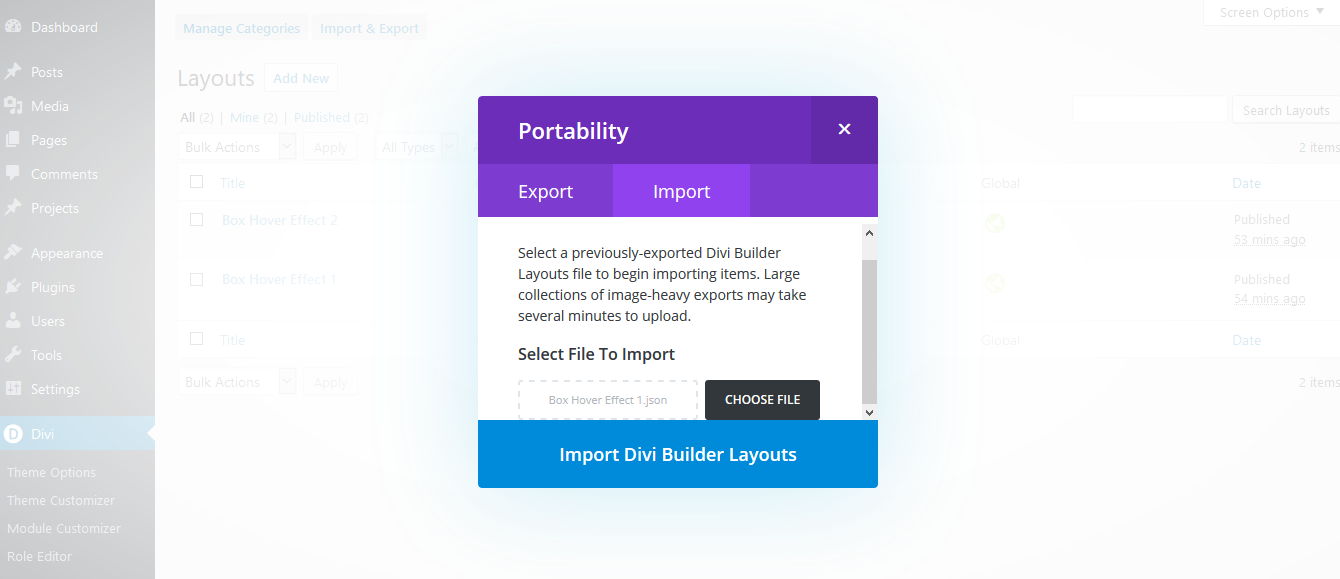
Box Hover Effects - Part 1

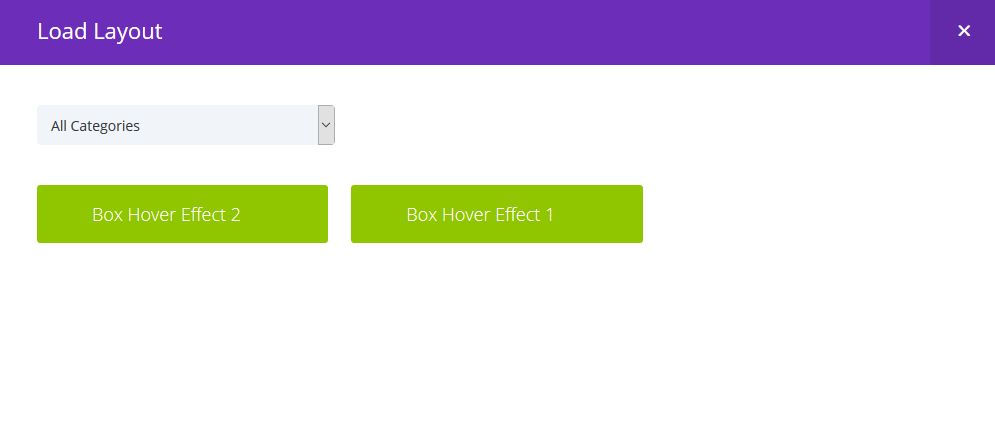
4. After import both layout you can see in below
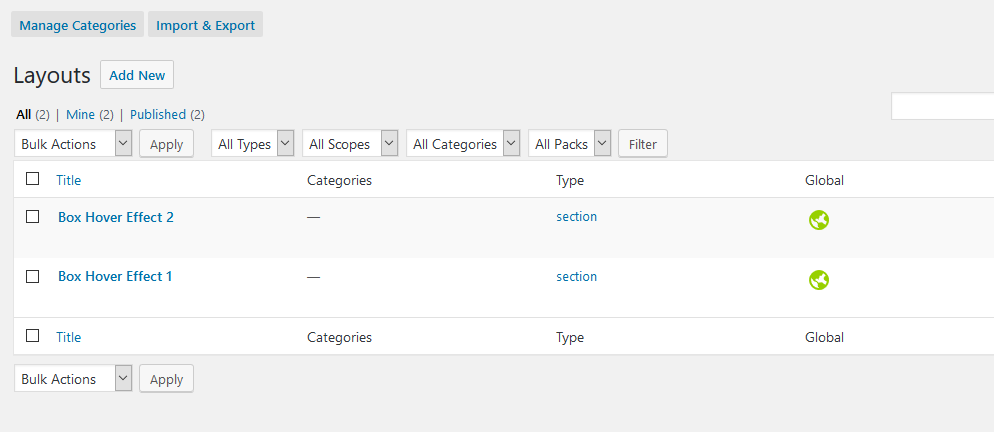
Box Hover Effects - Part 1

5. Add New Page and Click on "Add From Library"
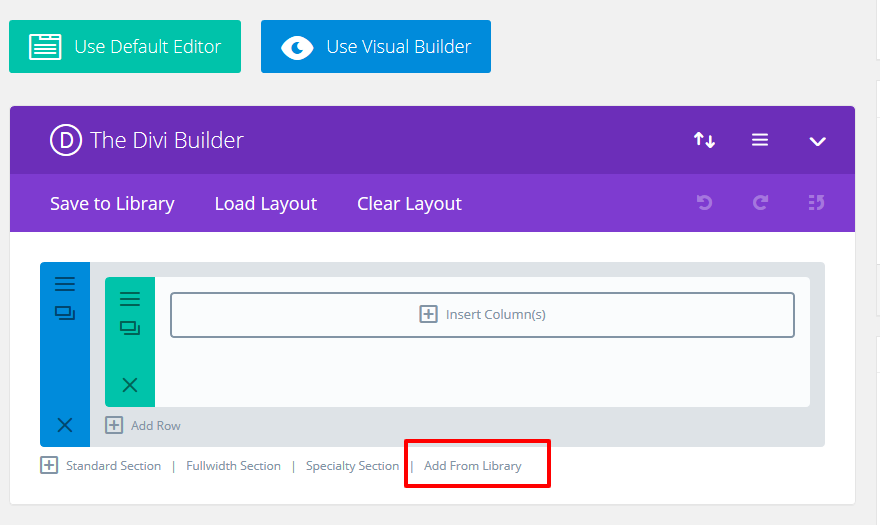
Box Hover Effects - Part 1

6.Select One of layout

Box Hover Effects - Part 1

7. After select layout

Box Hover Effects - Part 1

8. Add "box_hover_part1.css" file on your child theme and Enqueue your style using wordpress function wp_enqueue_style

OR

Copy CSS from file and PASTE on Theme Option -> General -> Custom CSS

9. Publish Page and see on front end.

Effect 1

Box Hover Effects - Part 1
Effect 2
Box Hover Effects - Part 1

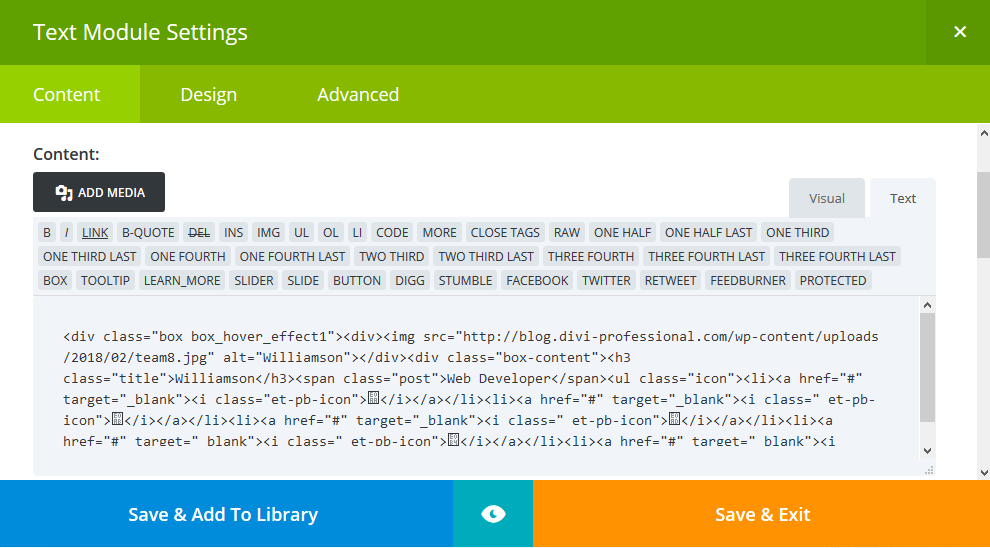
9. Edit Content on Text Module

Box Hover Effects - Part 1

0 Comments

Recent Post
Creative 4 Divi Modules Design And Footer Style

September 16, 2020

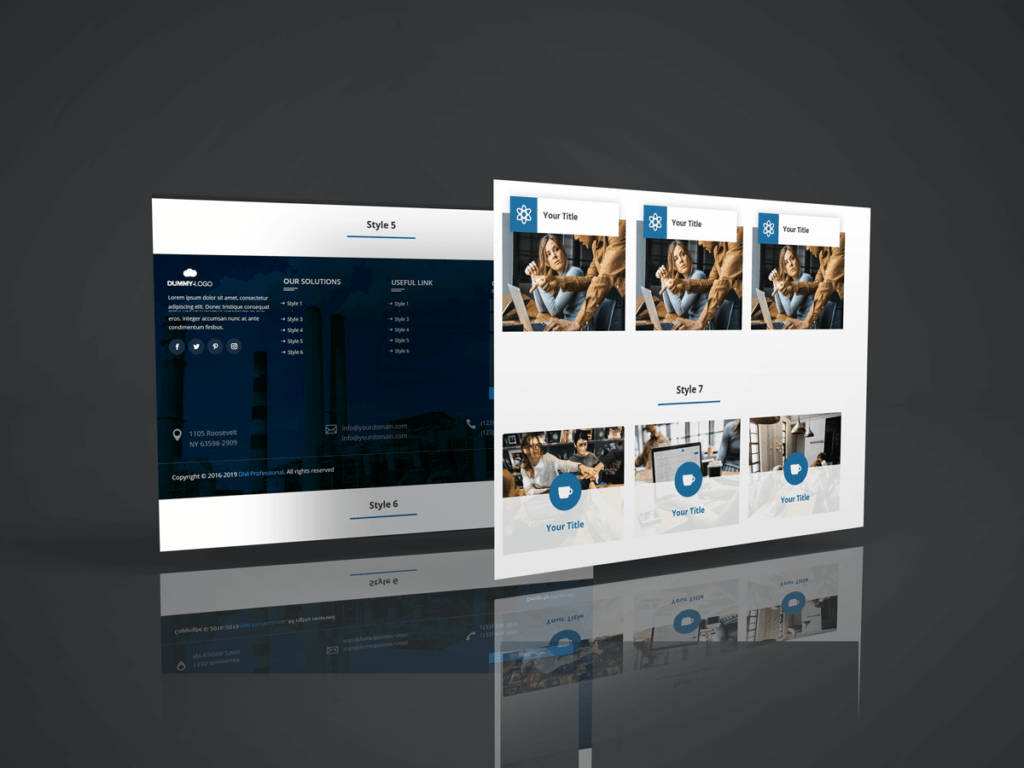
Another 5 Creative Service Designs Using Divi Module with stunning hover effects and 8 Awesome Footer Designs Using Divi Module

February 18, 2020

How to Create Creative Person or Team Design Using Divi Module

February 11, 2020

Services
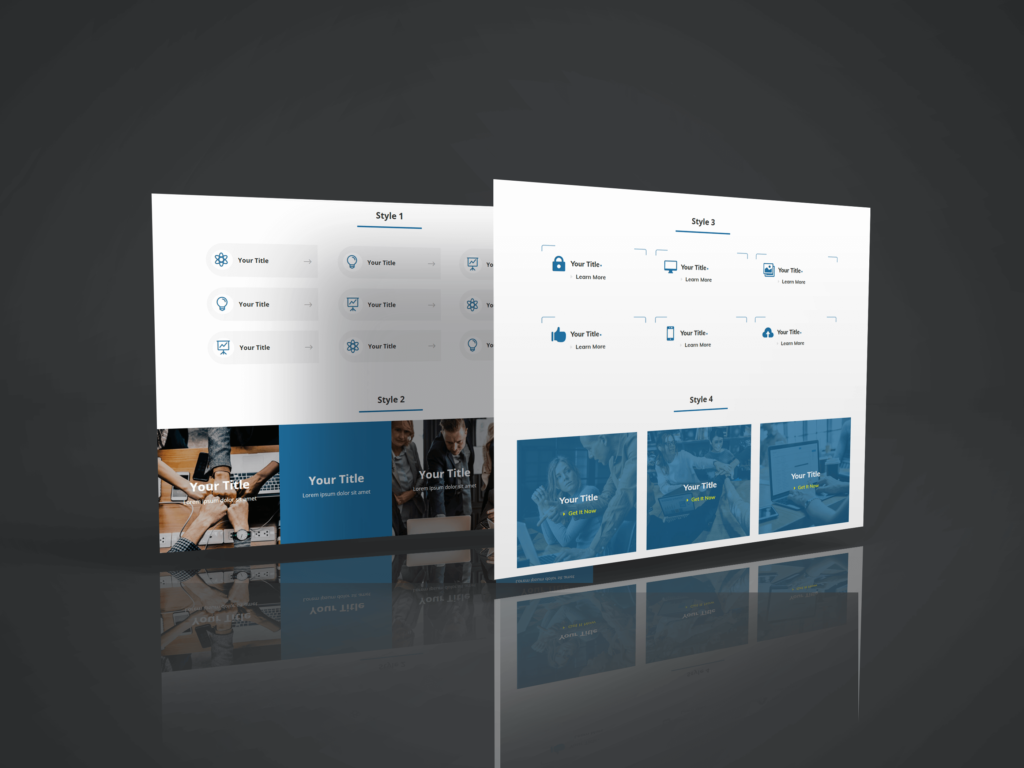
How to Create Creative Service Designs Using Divi Module

February 3, 2020