


var(---V 1.1----
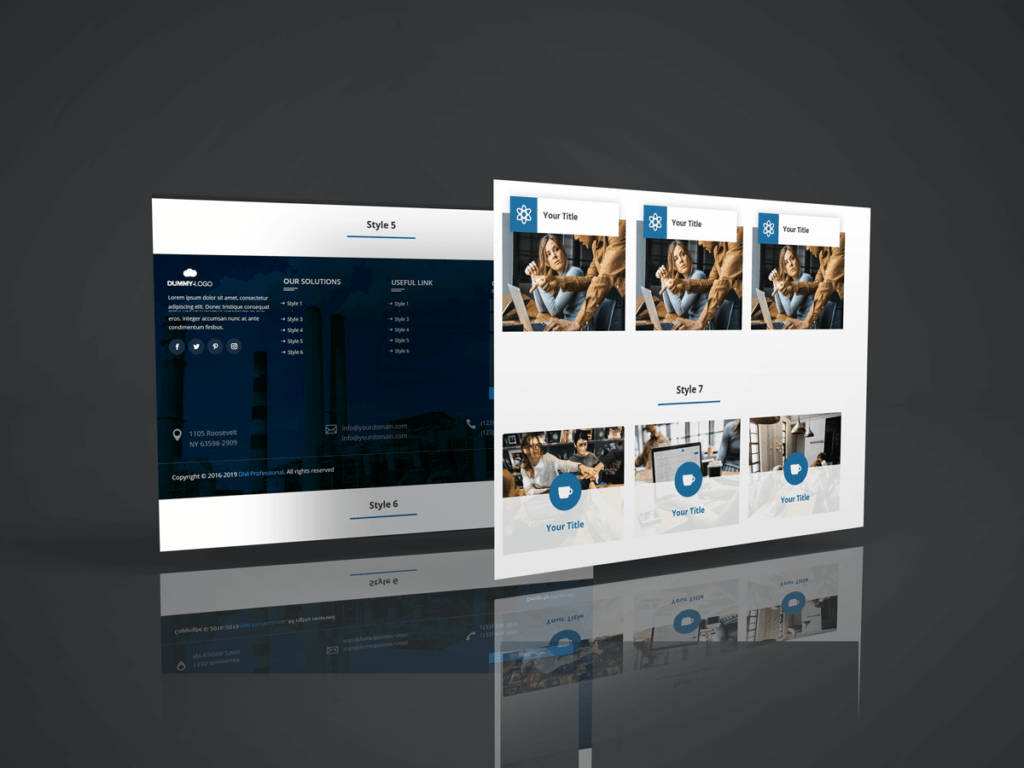
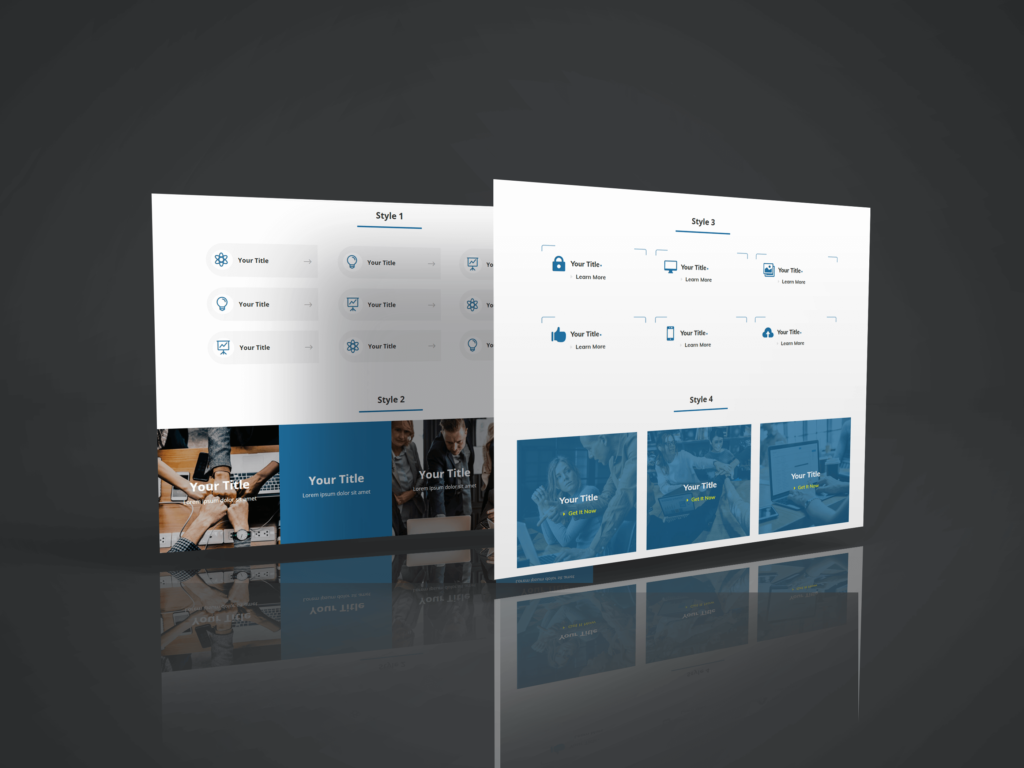
20 Styles of Header & 30 Styles of Footer Social Icon with color options,
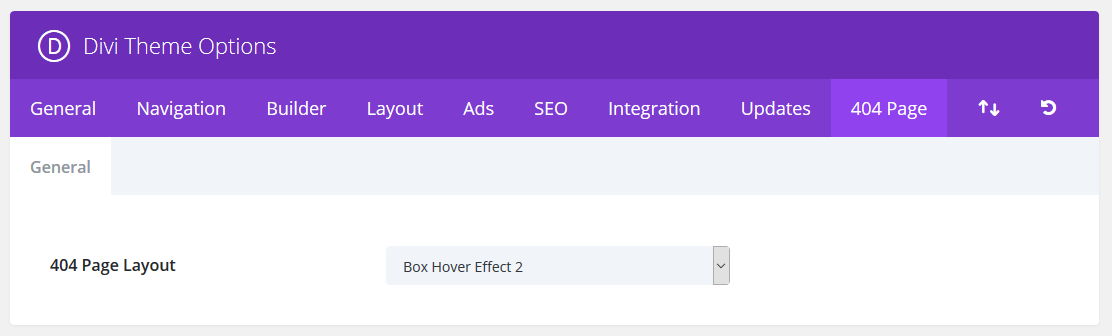
5 Json Layout of 404 Page
For 404 Page
1. Go to Divi -> Theme Options
2. Now you can see "404 Page" Tab
3. Create Your 404 page design on "Divi Library" and select layout on "404 page" tab.
For Social Icons
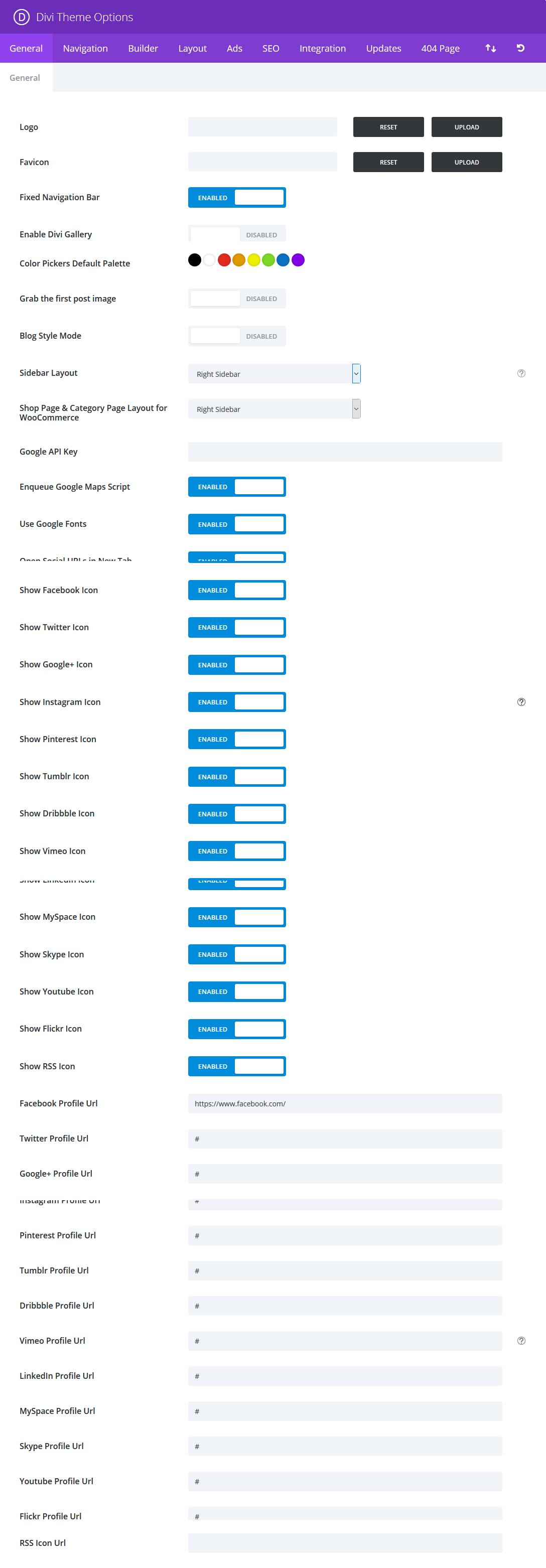
1. Go to Divi -> Theme Options -> General
2. Just set "Enabled/Disabled" icon as per your need.
3. You can also set "Open Social URLs in New Tab" option
Footer

Header

Admin Setting
 )
)




Hi, Nikki
What version are you using? I am om 3.7.1, yesterday I was still on 3.7 but in my Divi I don ‘t get 404 editor.
I, of course, use a child theme. Did you do anything to make 404 editor show?
Hi Ascar
Have tested up to 3.7.1 and works fine.
Please create 404 page layout on Divi Library and select layout on Theme Option
https://divi-professional.com/wp-content/uploads/2018/06/404page2.png
Hm, it is not working for me. I tried on a fresh site with Divi 3.8 and no customizations at all.
You are not using any plugin for 404 page editing or some Divi developer edition?
Send Email