

How to Use
Using Shortcode
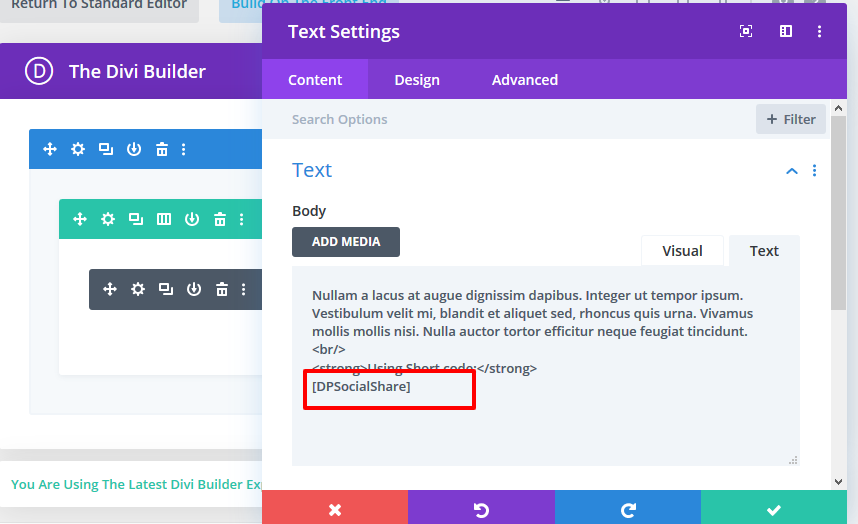
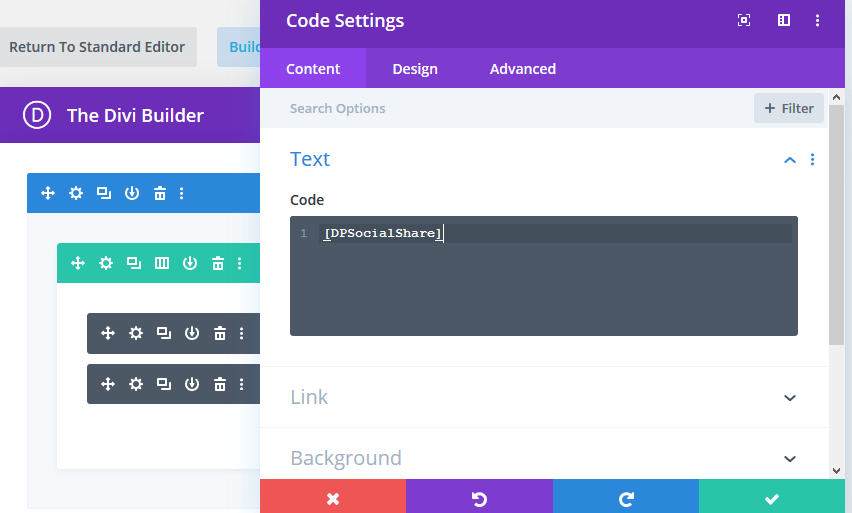
Just add [DPSocialShare] shortcode in code or text module OR default editor.
This shortcode you can use blog detail page or any custom post type detail page.
This shortcode you can put anywhere on detail page.
Default Editor

Text Module
Code Module
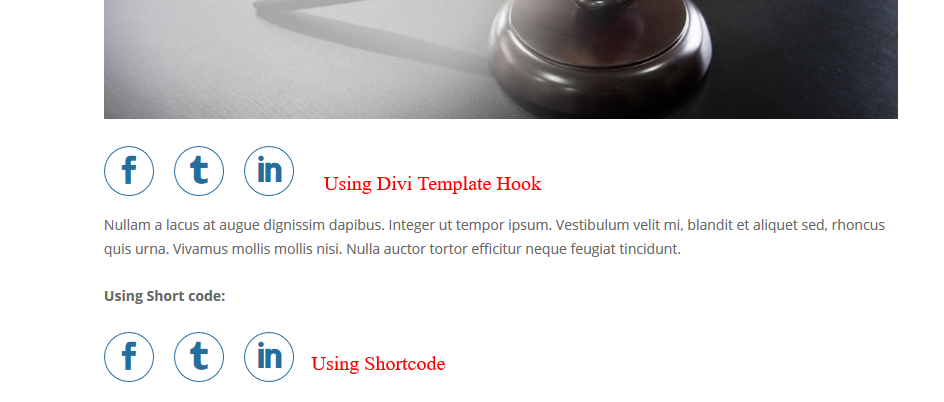
Using Divi Template Hook
Hook : et_before_content
See Documentation and find single.php.
SEE DEMO
How to Use Code
- Download code is base on child theme.
- You can directly upload child theme. if you have alreay child theme then copy line 6 to line 17 line of functions.php and paste on your child theme functions.php at end.
- if you have alreay child theme then copy style of style.css and paste on your child theme style.css.
Divi Dream Tool
29 Custom Modules & DDT Tool More & Coming SoonBuild creative and amazing websites using DDT modules
Easily and quickly customize your divi websites and save time
Launching Sale 20% OFF
Use coupon code : DDT20




0 Comments