

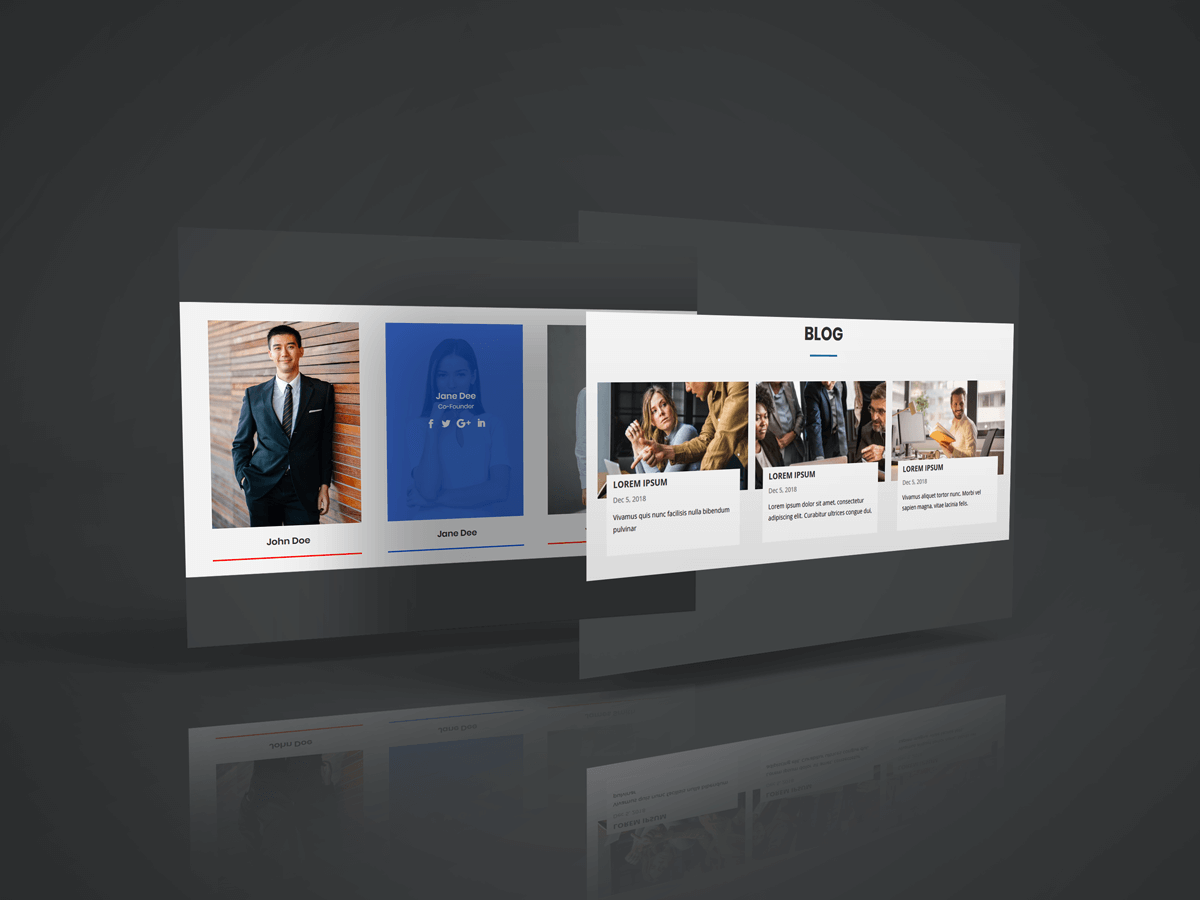
Thank you to WPLeaders.com for highlight our Divi Team Members Plugin.
Another big achievements to us after published Elegant Theme.
Visit Site : WPLeaders.com
- You can use 2 module styles on your divi website.
- 2 Module Free Style
Steps for 2 Module styles
1. Download Person and Blog Divi Module Style File.
2. Unzip files
3.Import media.xml and post xml file in Tools -> Import -> WordPress Import
Import Module Blog Style.json and Team Member.json file on on Divi -> Divi Library -> Import & Export Button

4. After import layout json files you can see in below

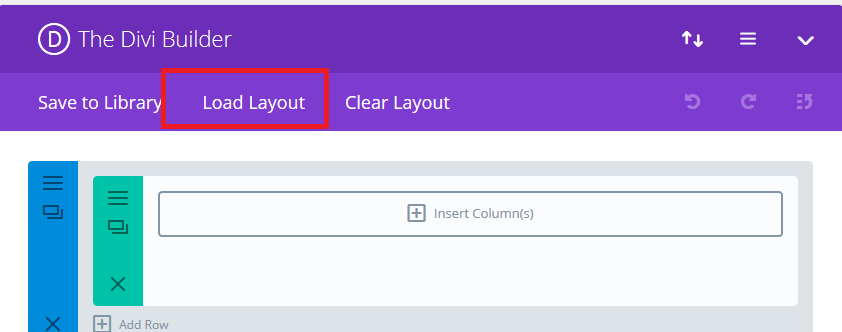
5. Add New Page and Click on “Load Layout”
6.Select Module Style1 of layout
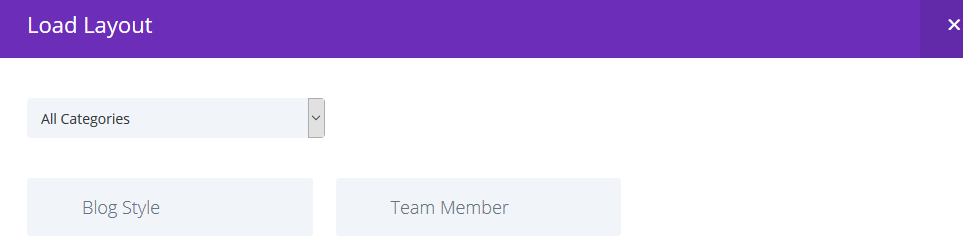
7. After select layout,Publish Page and see on front end after done below point 8.
8. Add “style.css" file on your child theme and Enqueue your style using wordpress function wp_enqueue_style
OR
Copy CSS from file and PASTE on Theme Option -> General -> Custom CSS

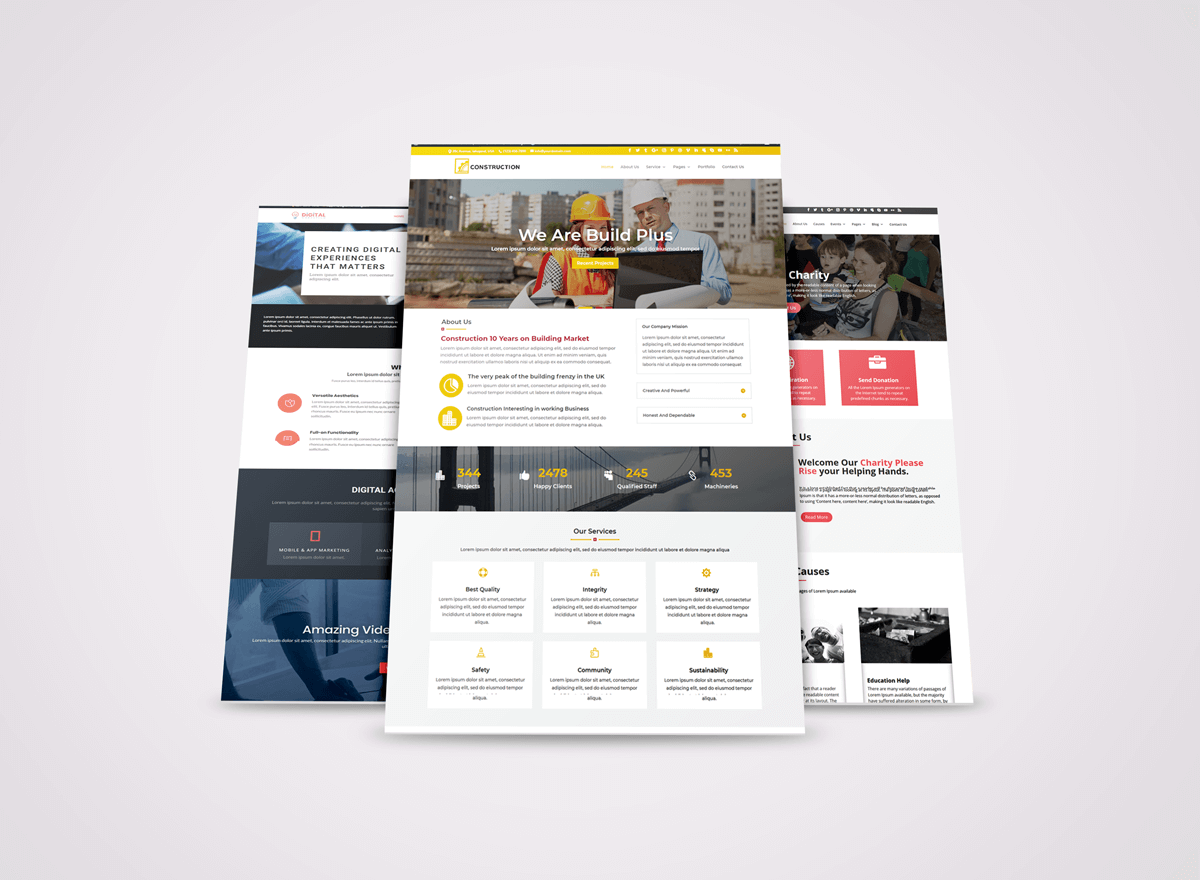
Our Coming New 3 Child Themes
Release Date : 20th Dec 2018
Divi Digital Marketing
Divi Construction
Divi Charity
Demo will be coming soon!


Hi, this weekend is good in support of me, since this moment i am reading this great informative post here
at my residence.