

Getting started #
In order to install this layouts pack, you must have Divi Theme if you don't have then first purchase a membership to Elegant Themes and download the Divi Theme and activate. The Divi Theme is NOT included with this layouts pack.
Note: The images in the demo are not included in the product, placeholder images are used instead.if you want then please check images doc and we have used freepik images so before used please read their terms and buy freepik license.
Check Images Doc
Steps for import layouts pack #
Step 1 #
Download Main Product Zip File and then Unzip

Step 2 #
Go to Plugins
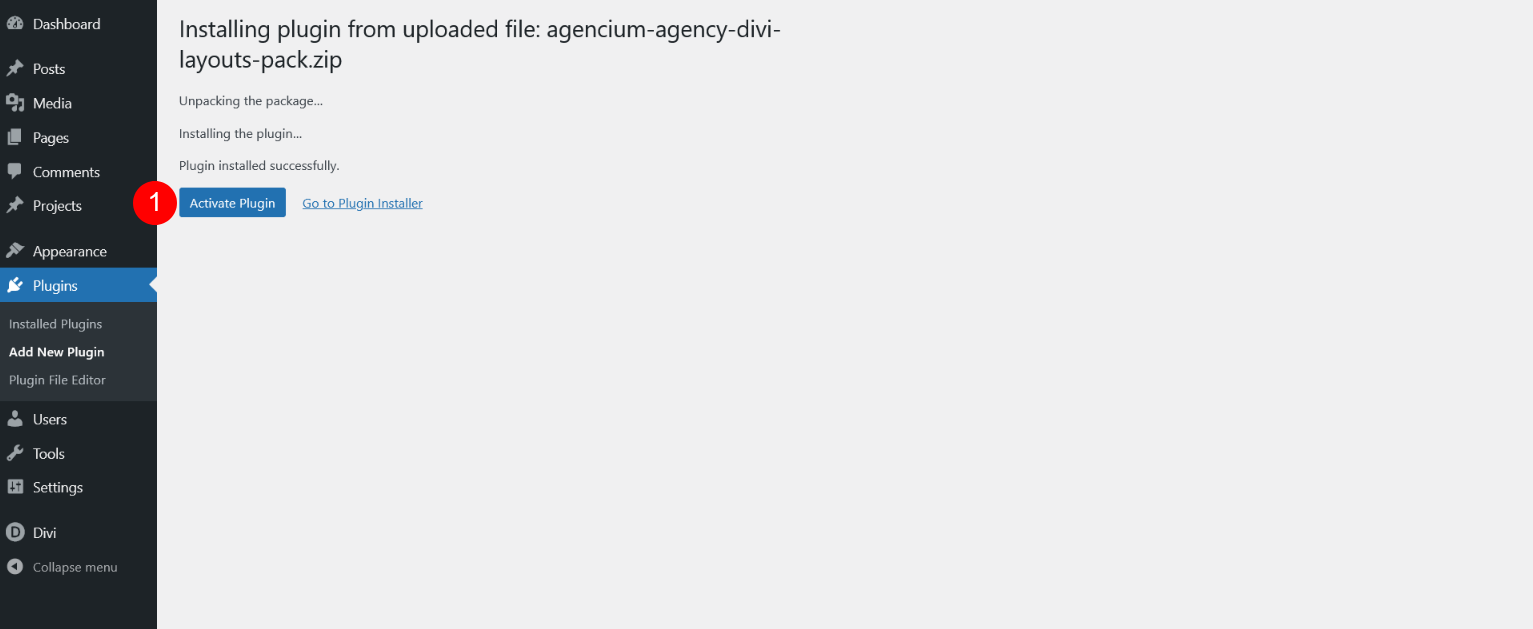
Now Upload Zip File "agencium-agency-divi-layouts-pack.zip" and Activate Plugin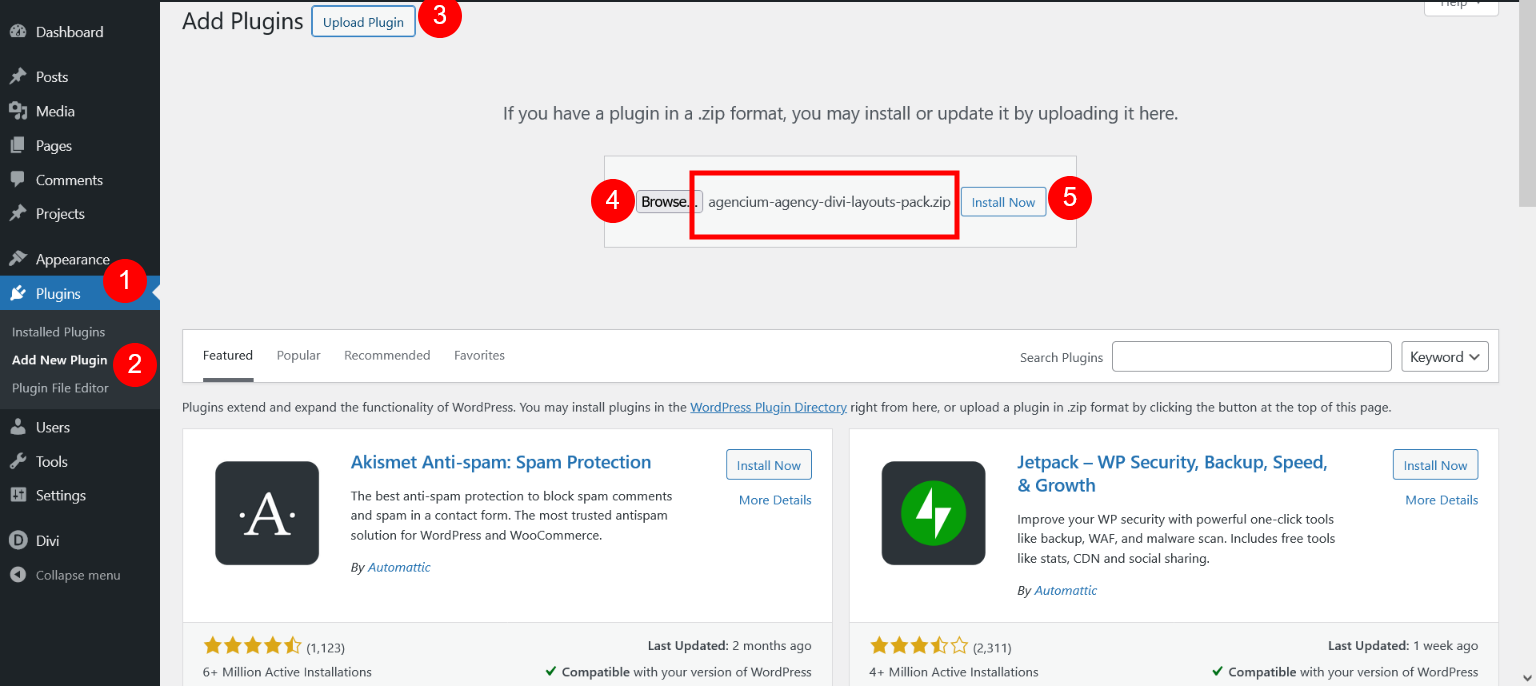
Step 3 #
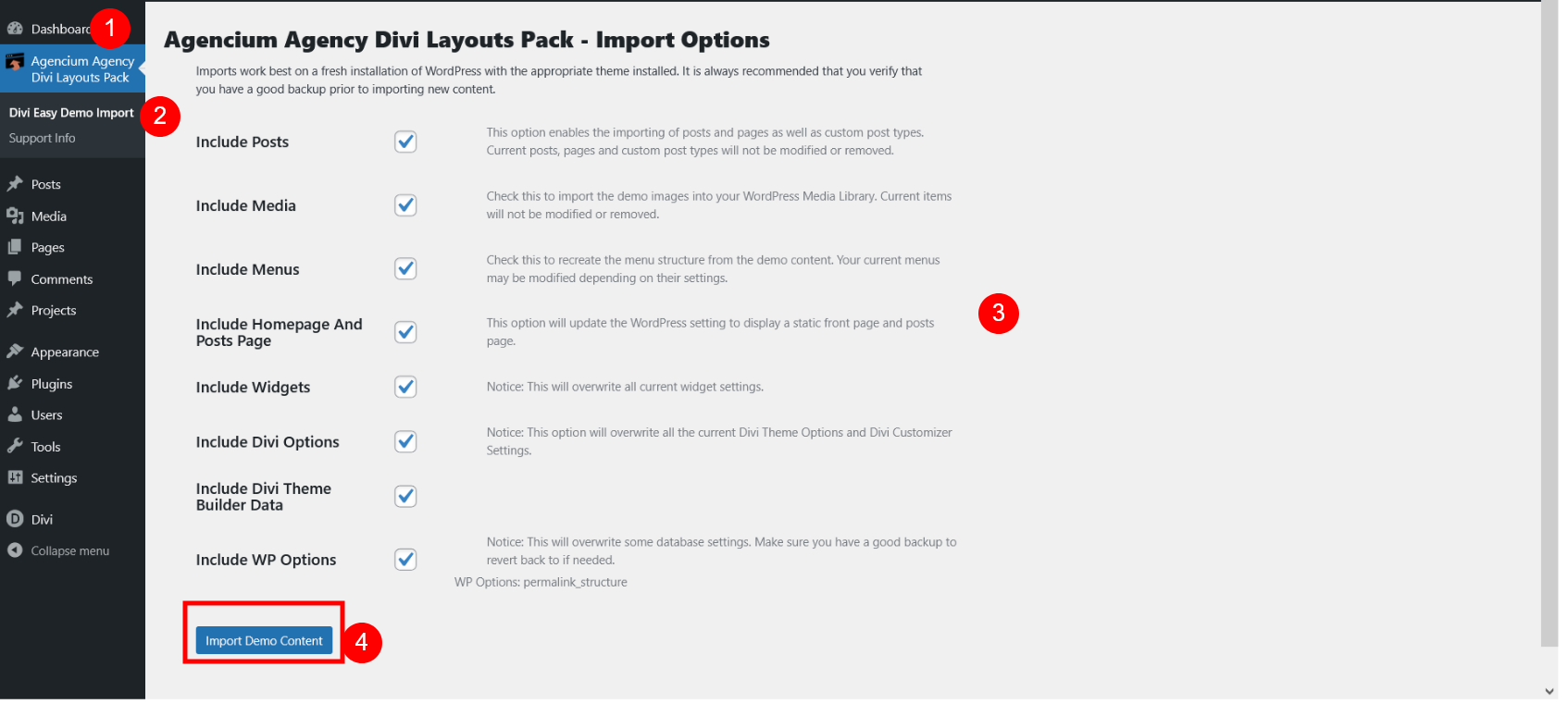
Now Import Layouts Pack Data
Please check below image and click on "Import Demo Content" Button
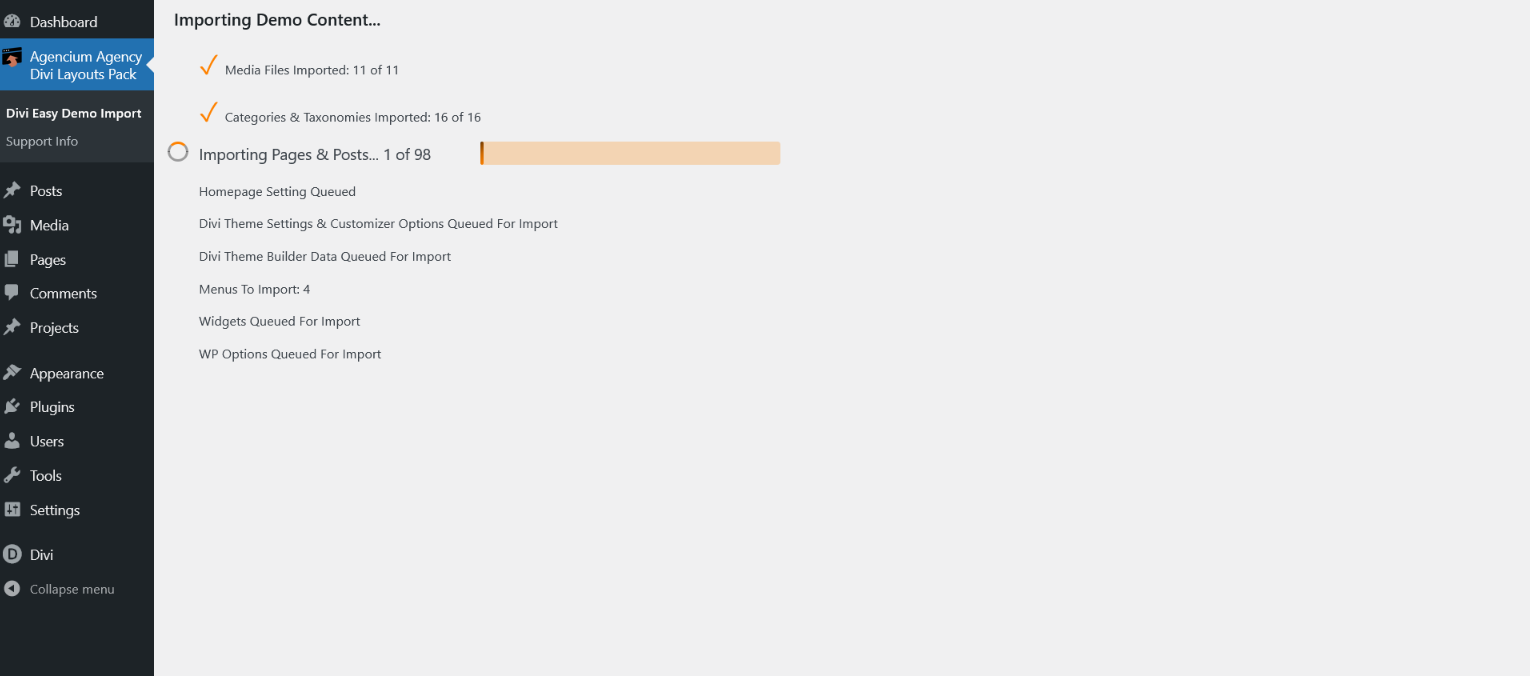
Import Data Processing
Step 4 #
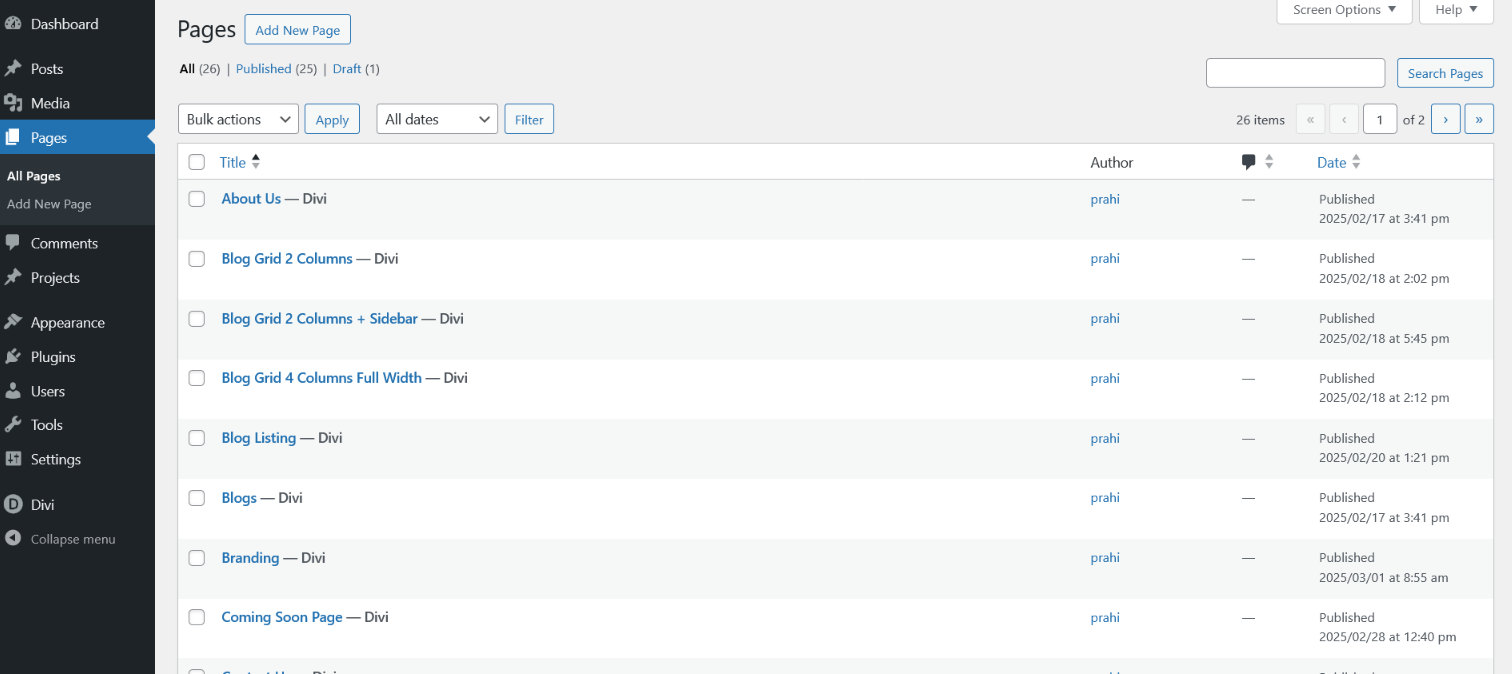
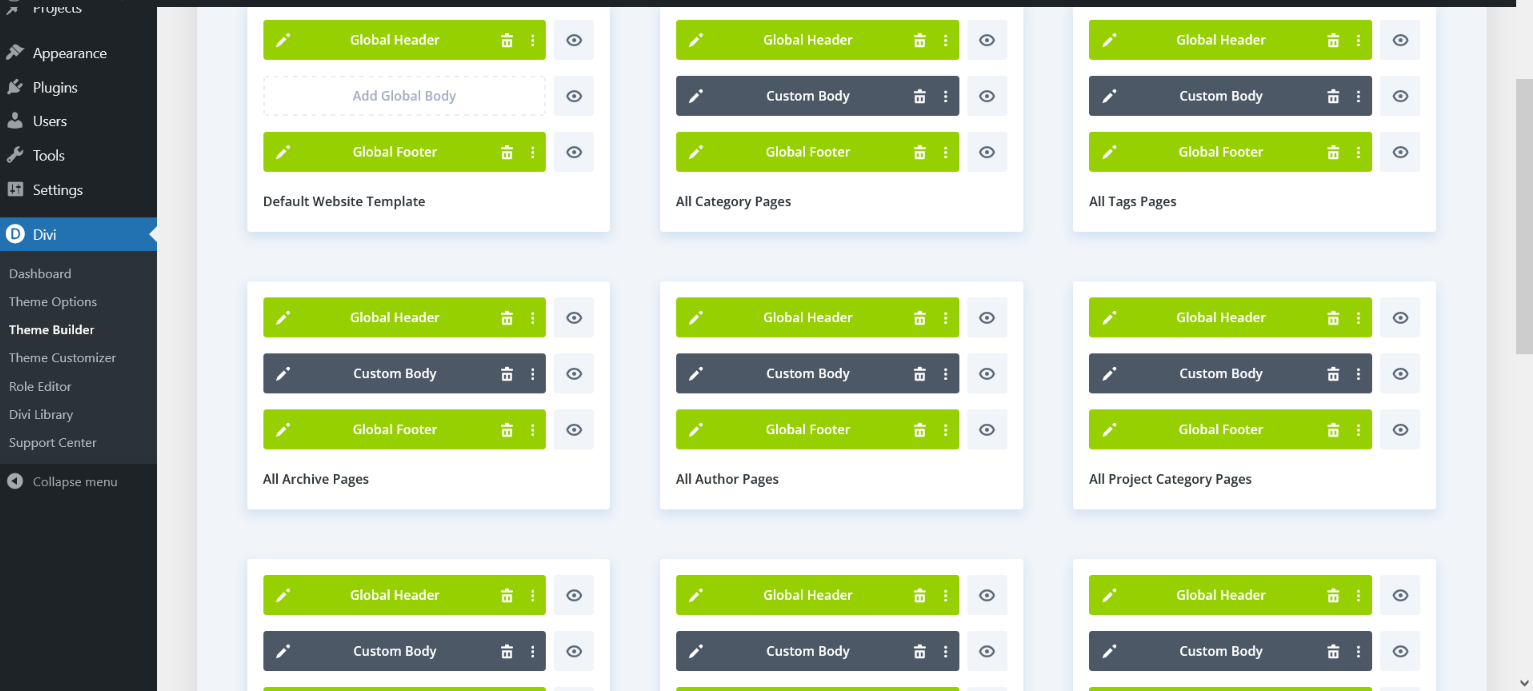
Now Layouts Pack Data imported successfully

You can click on button " Remove Demo Content & Import Functions"
Step 5 #
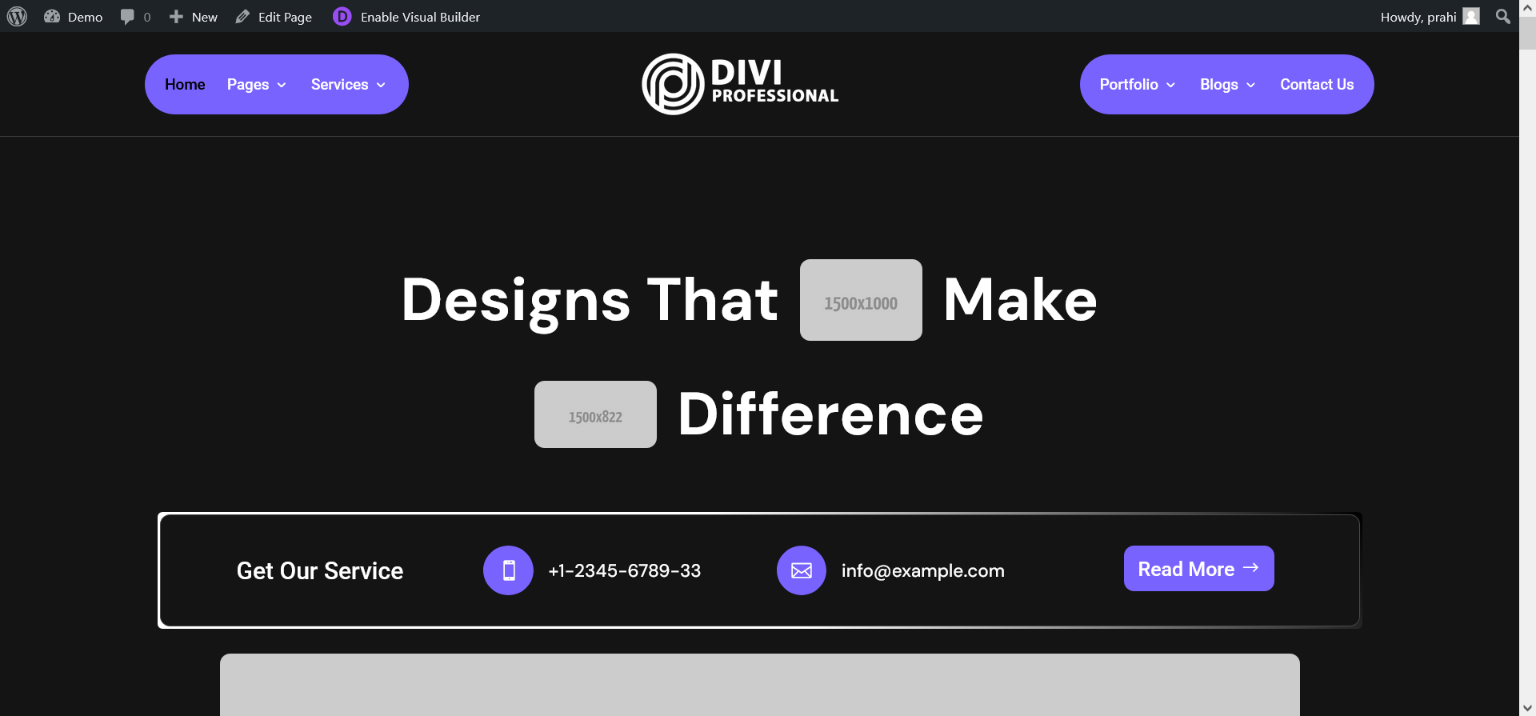
Website is Ready
FAQ #
How to import Divi Layouts Pack? #
How to Find CSS and JS Code in Divi Layouts Pack? #
How to Change Color in CSS Code in Divi Layouts Pack? #
Open
https://www.elegantthemes.com/documentation/divi/color-management-system/
and check How to Find and Replace Colors
OR
https://www.divilayouts.com/find-replace-color-schemes-in-divi-layout-packs/


