Getting started #
Note : This Layout Kit Only Work with Divi 5. It is not working with Divi 4. #
In order to install this section layouts pack, you must have Divi Theme if you don't have then first purchase a membership to Elegant Themes and download the Divi Theme and activate. The Divi Theme is NOT included with this layouts pack.
Steps for import layouts pack #
Step 1 #
Download Main Product Zip File and then Unzip
There are 3 part in this kit
1.ProSection Kit 1 - 310 Section Styles - DEMO
2.ProSection Kit 2(Modern Section) - 180 Section Styles - DEMO
3.WireKit- 350 Section Styles - DEMO
Divi WireKit and ProSection Kit Essentials Folder Structure
You can see here Individual styles in folder and All styles json file for each sections.
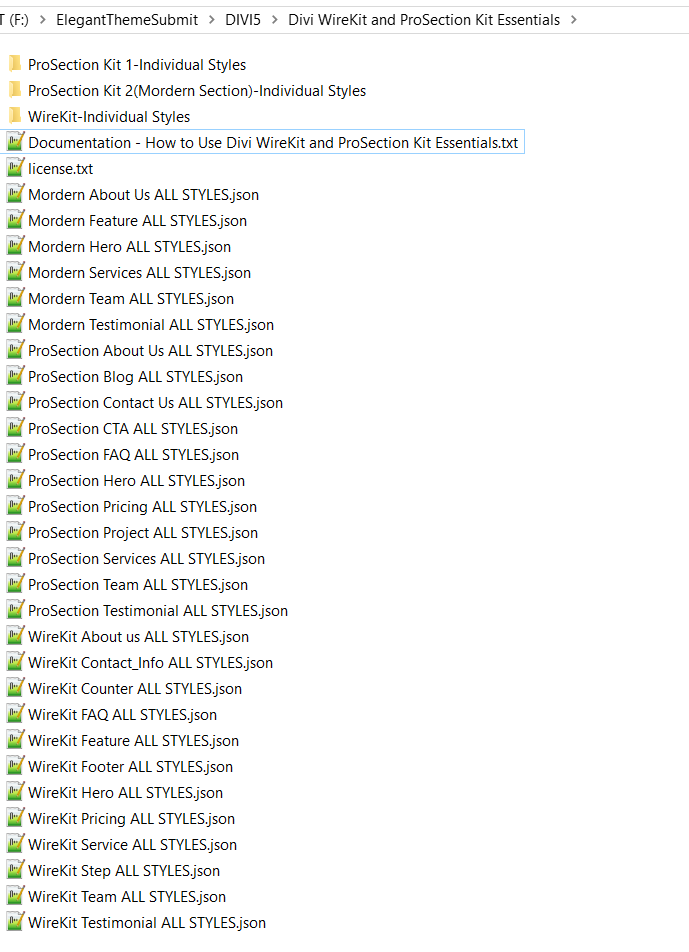
1.ProSection Kit 1 - 310 Section Styles Folder Structure - DEMO
You can see here individual styles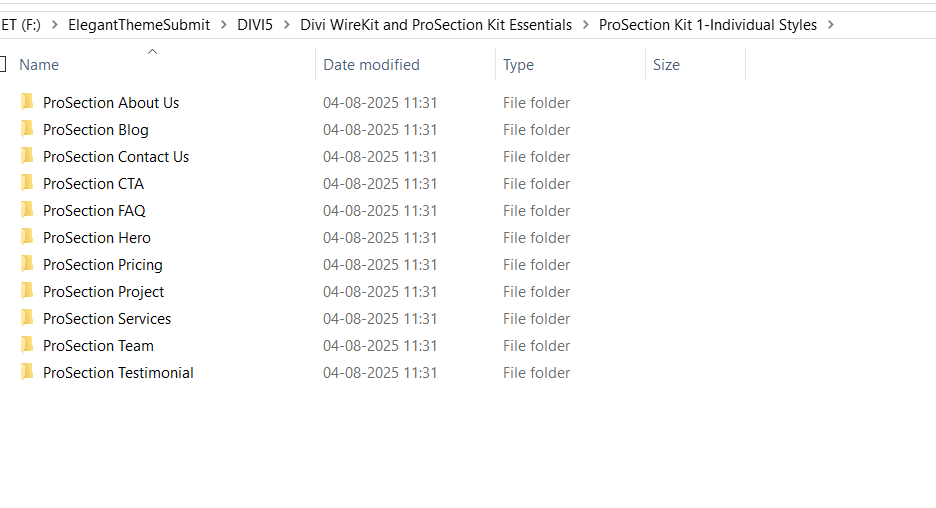
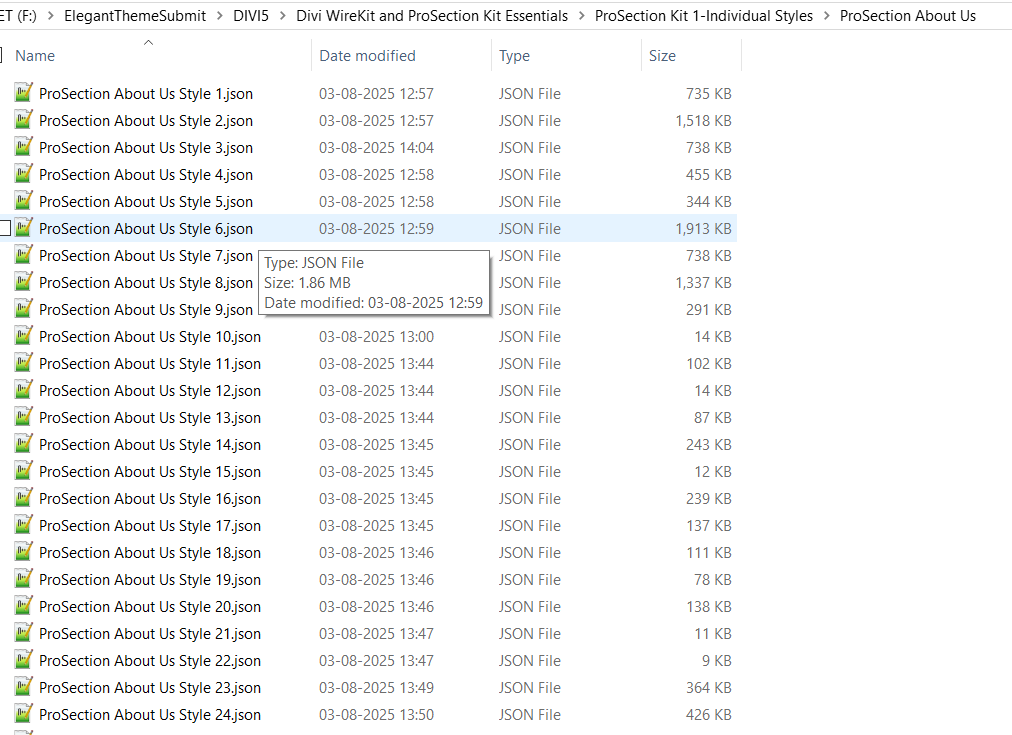
2.ProSection Kit 2(Modern Section) - 180 Section Styles - DEMO
You can see here individual styles
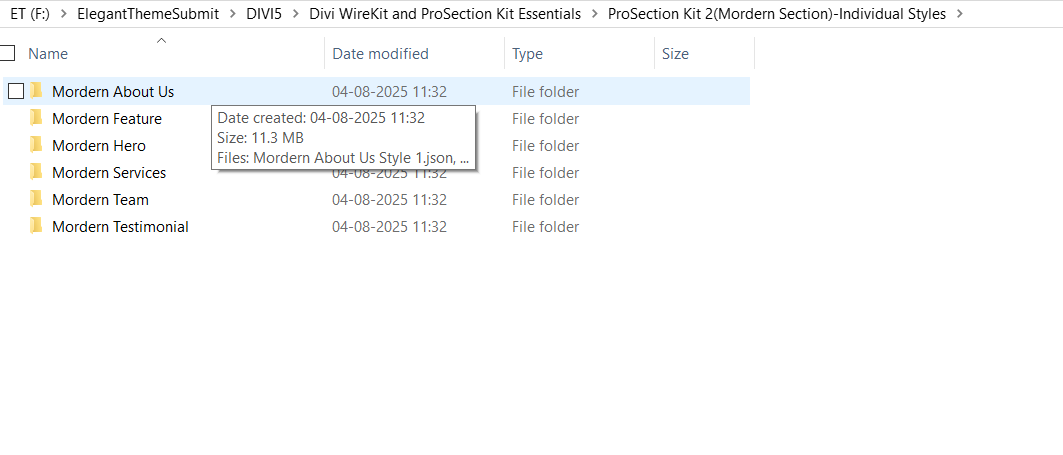
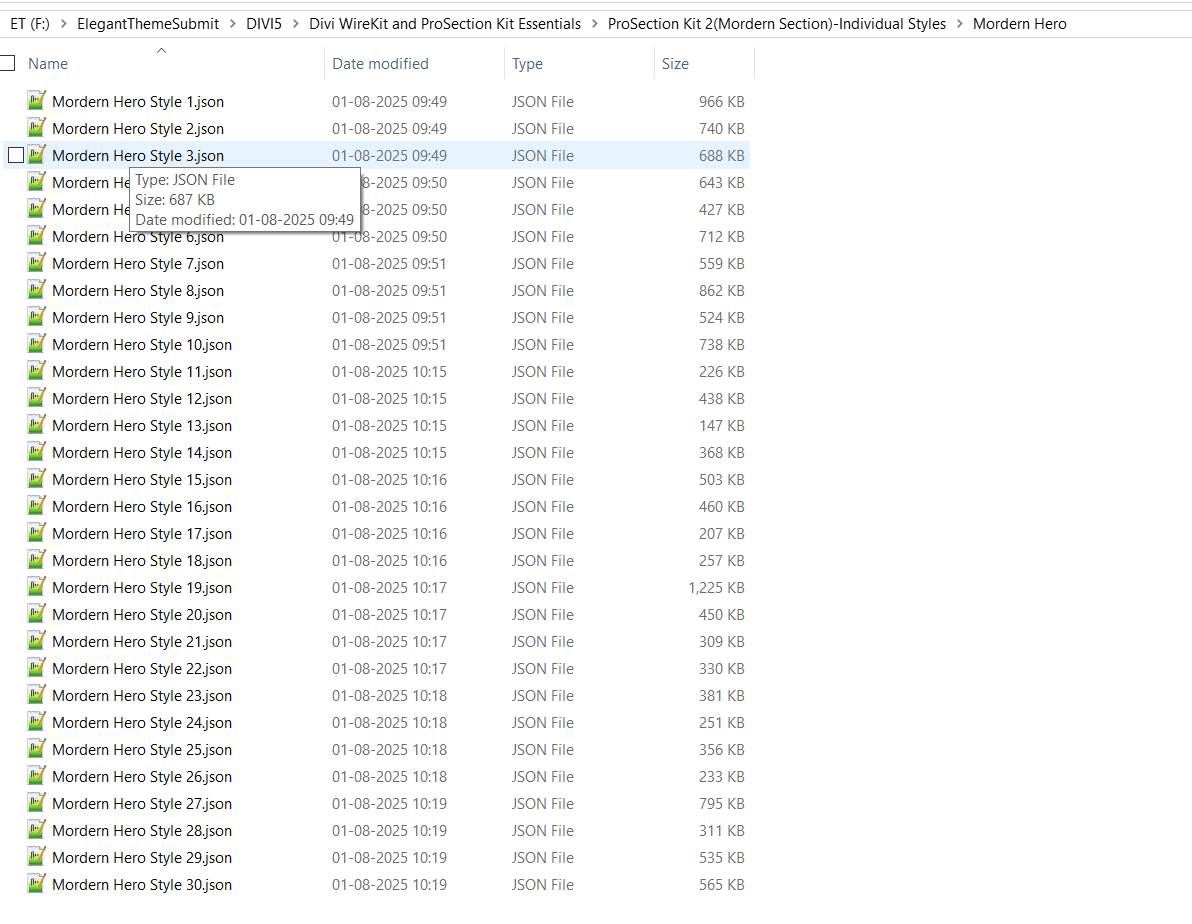
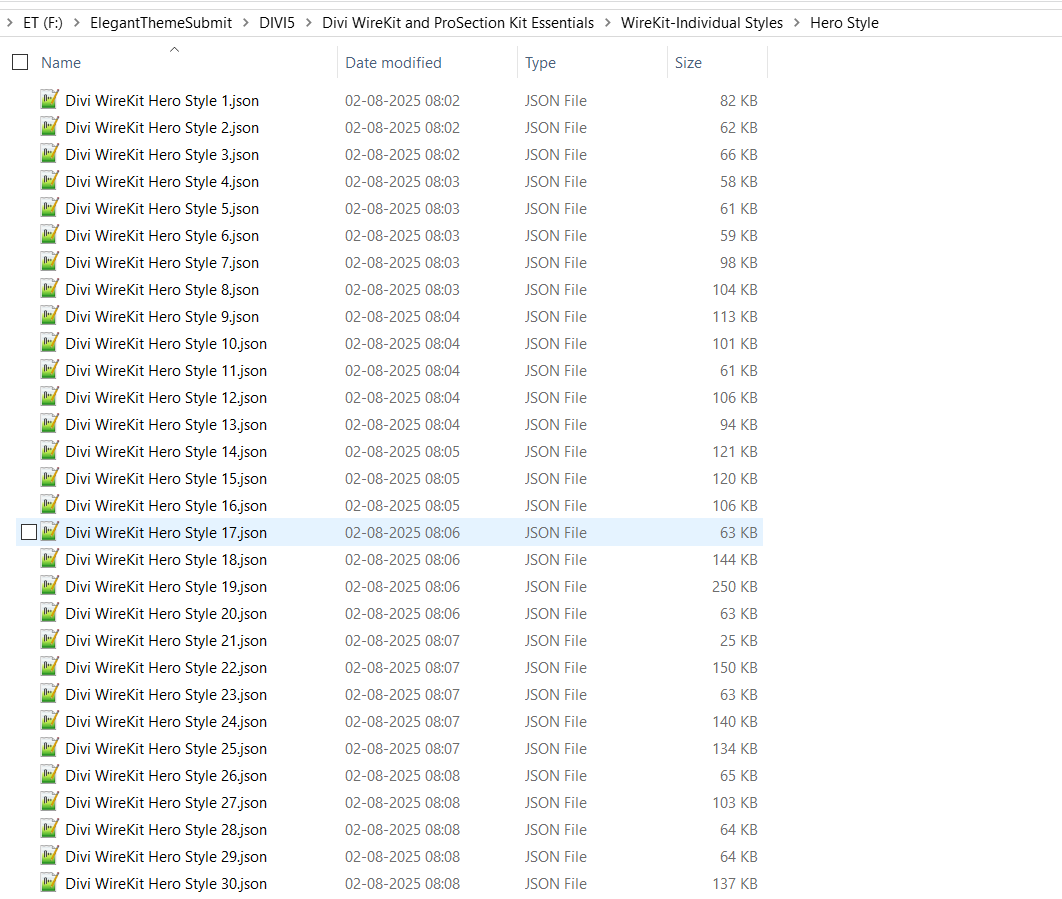
3.WireKit- 350 Section Styles - DEMO
You can see here individual styles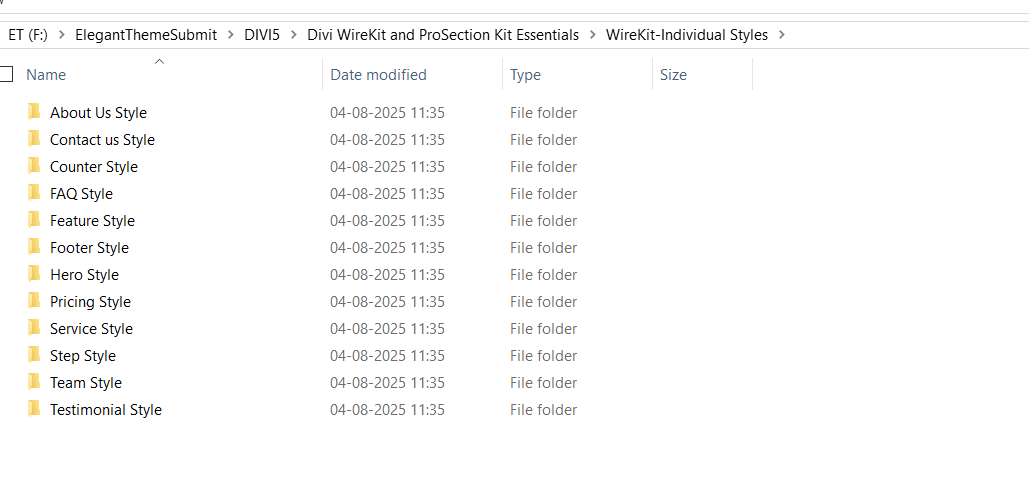
Step 2 #
How to Download Divi 5?
Login into https://www.elegantthemes.com/members-area/login/
Once Login then browse https://www.elegantthemes.com/members-area/divi-5/
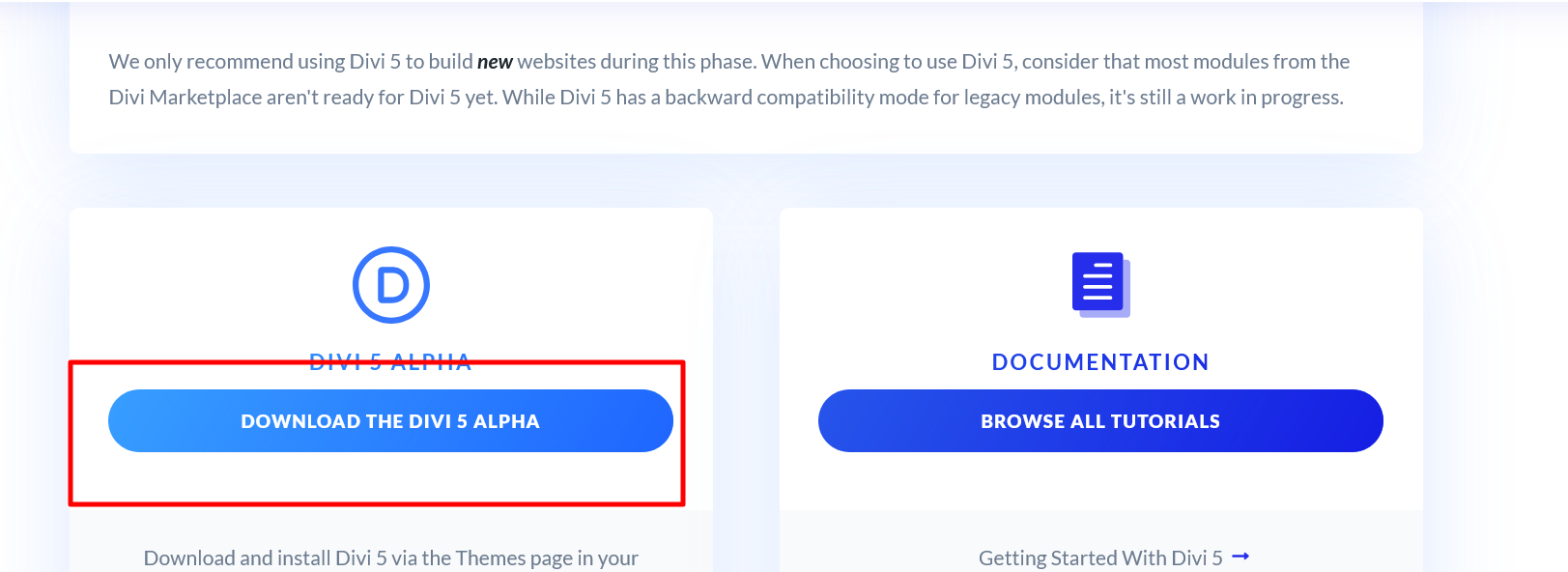
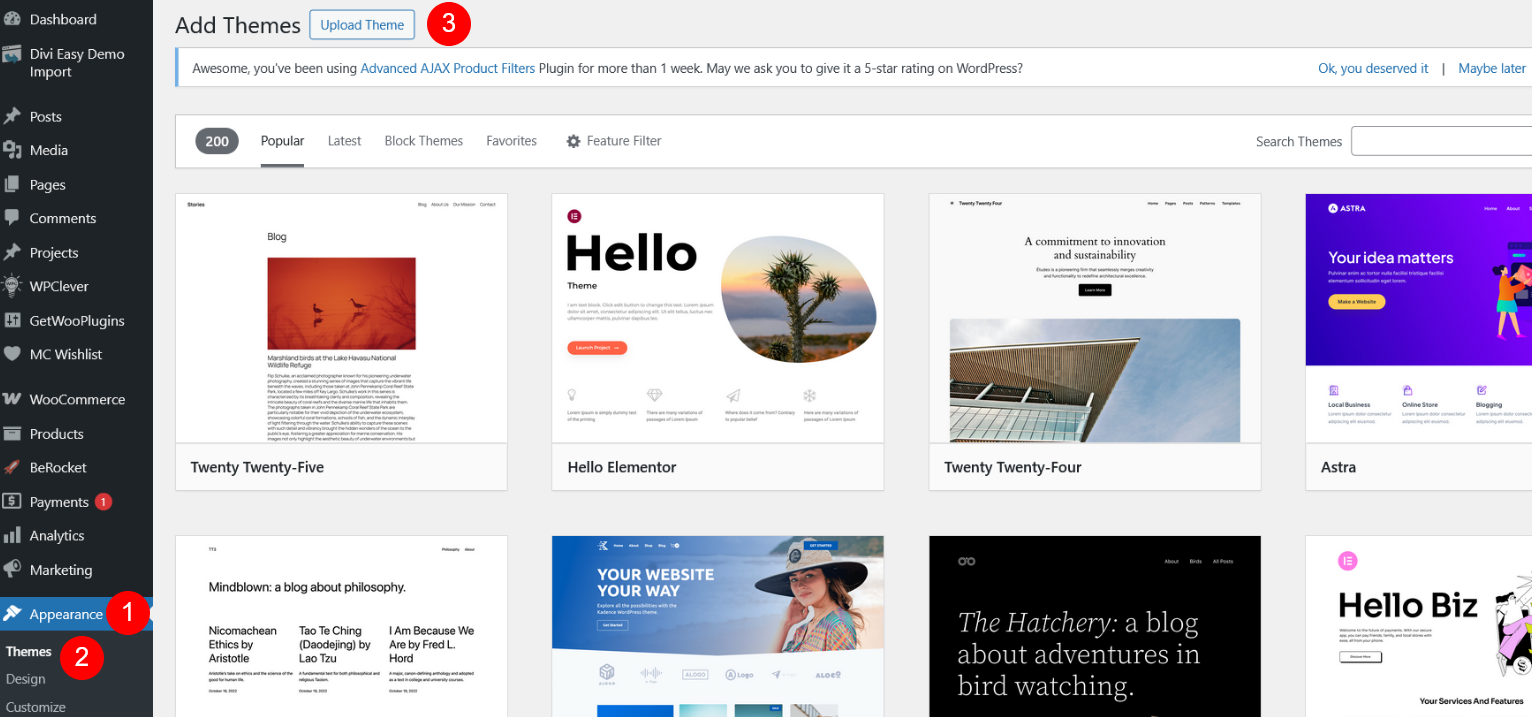
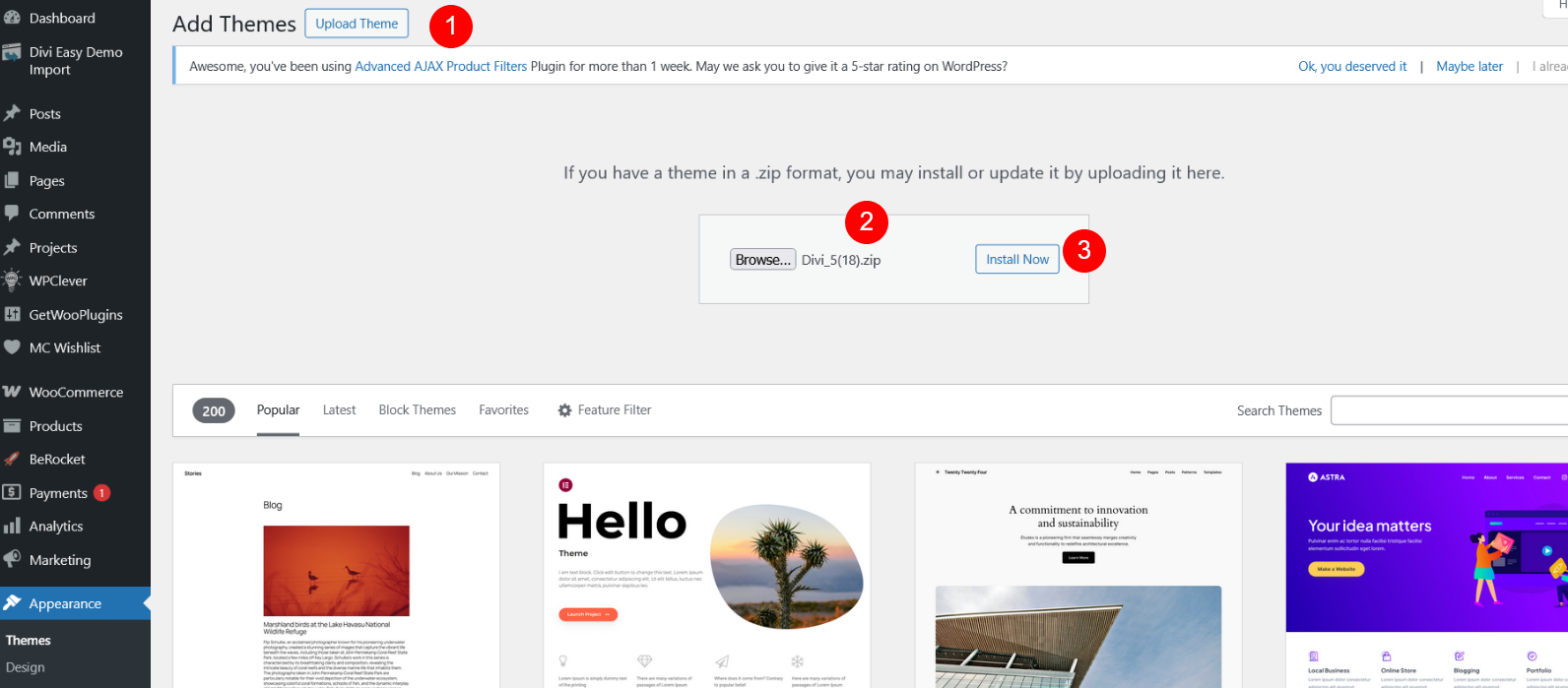
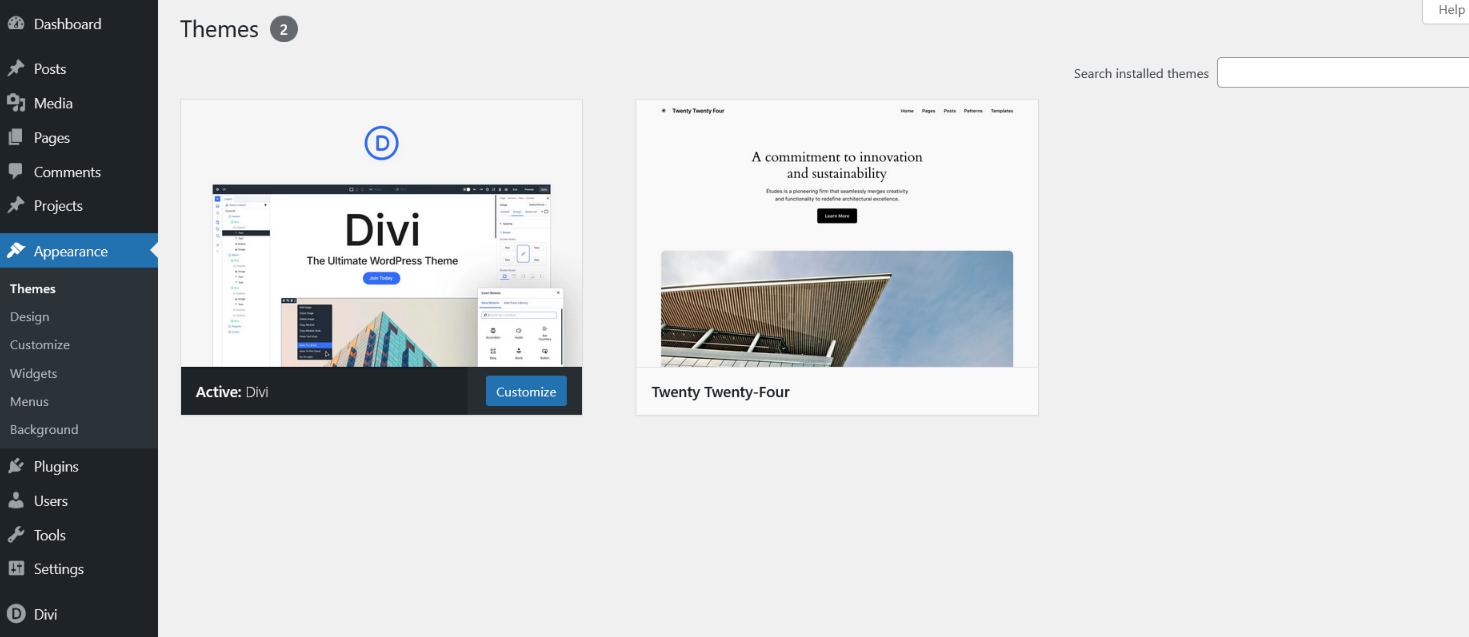
Go to Themes and Upload Divi 5 Theme and Activate that theme
Step 3 #
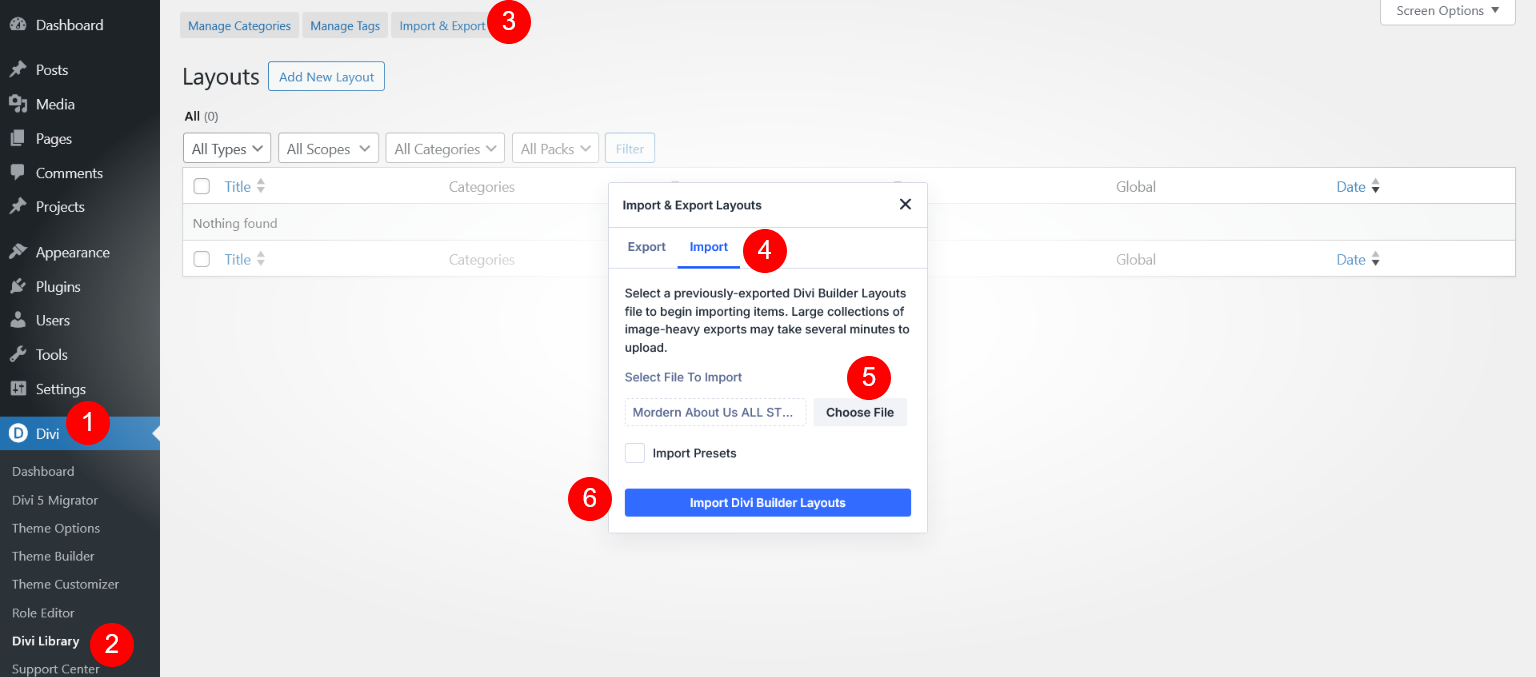
Go to Divi -> Divi Library -> Click on "Import & Export" Button -> Select Import Tab -> Select Json file (e.g Modern About Us ALL STYLES.json) -> Click on "Import Divi Builder Layouts" Button
Here we have import all "Modern About Us ALL STYLES" JSON file
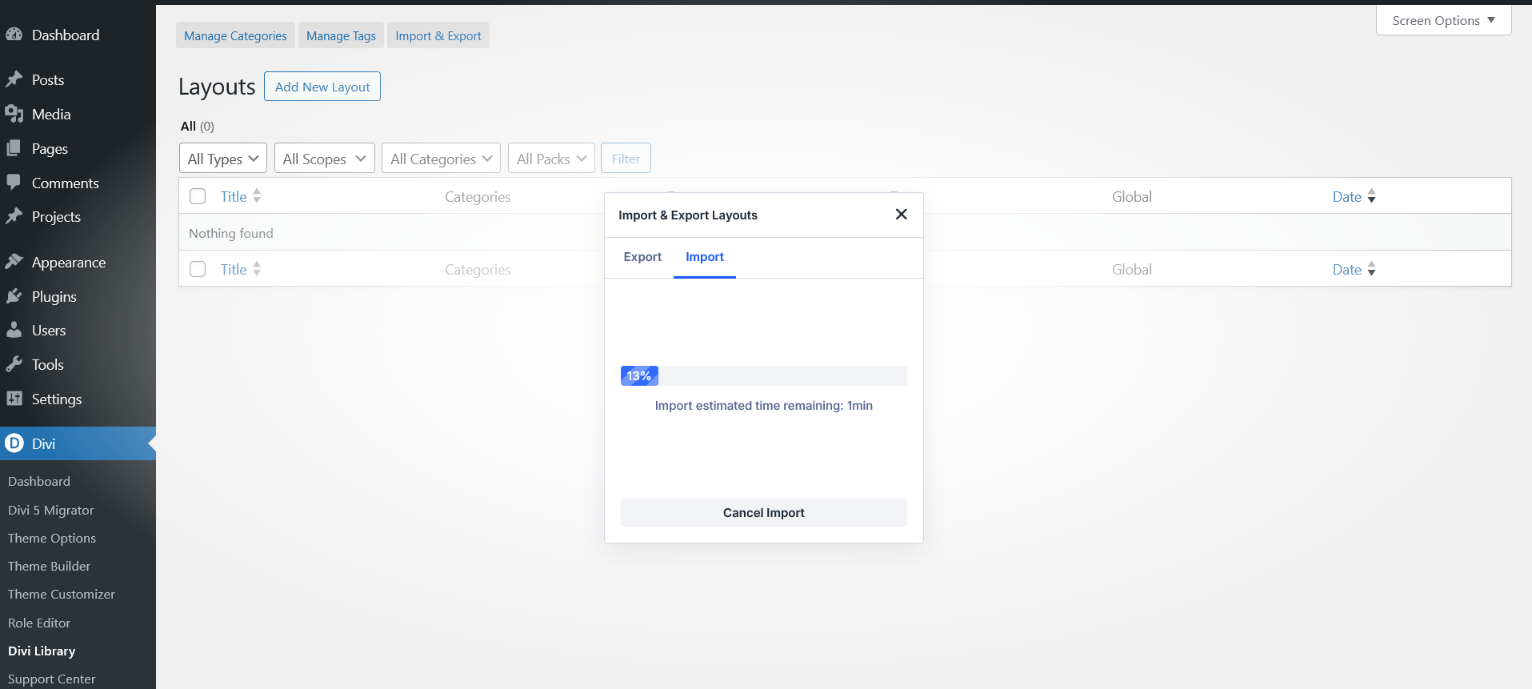
Import Data Processing
Step 4 #
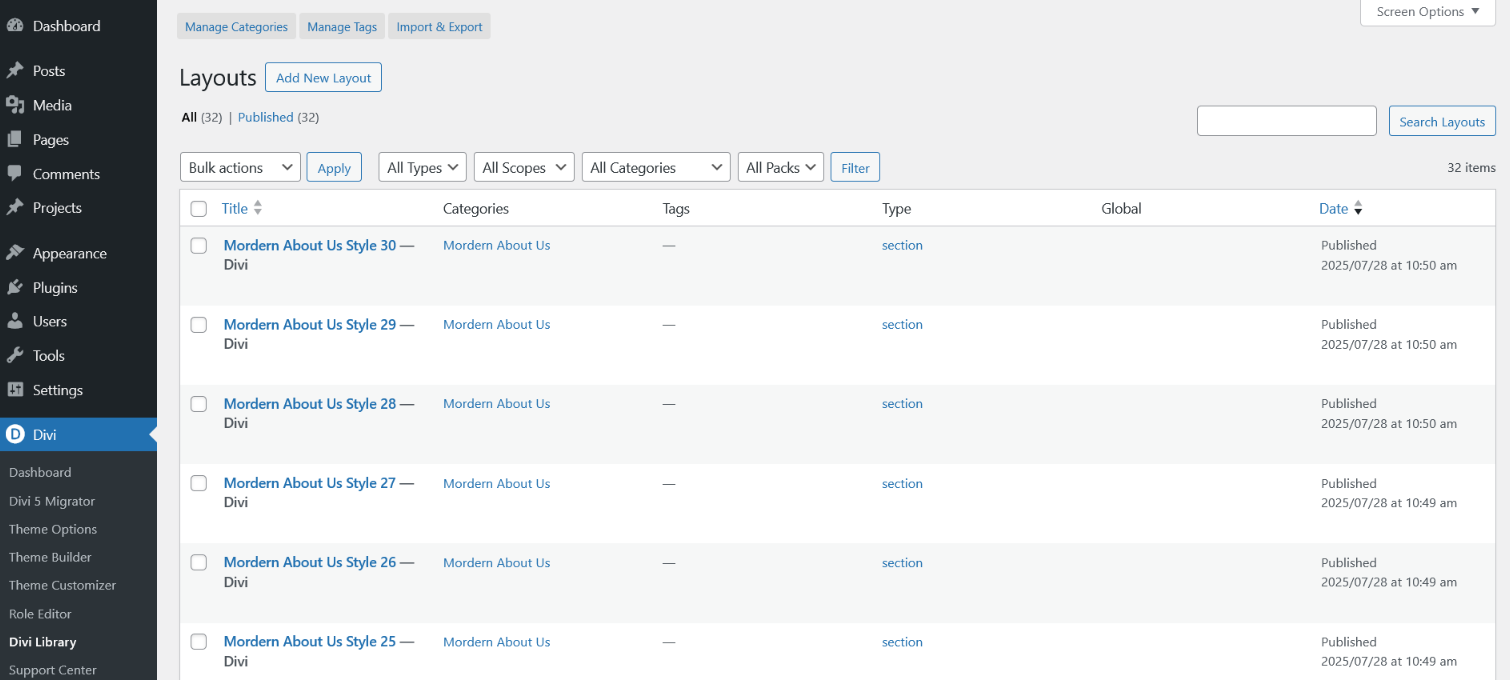
Now Modern About Us ALL STYLES Data imported successfully
Step 5 #
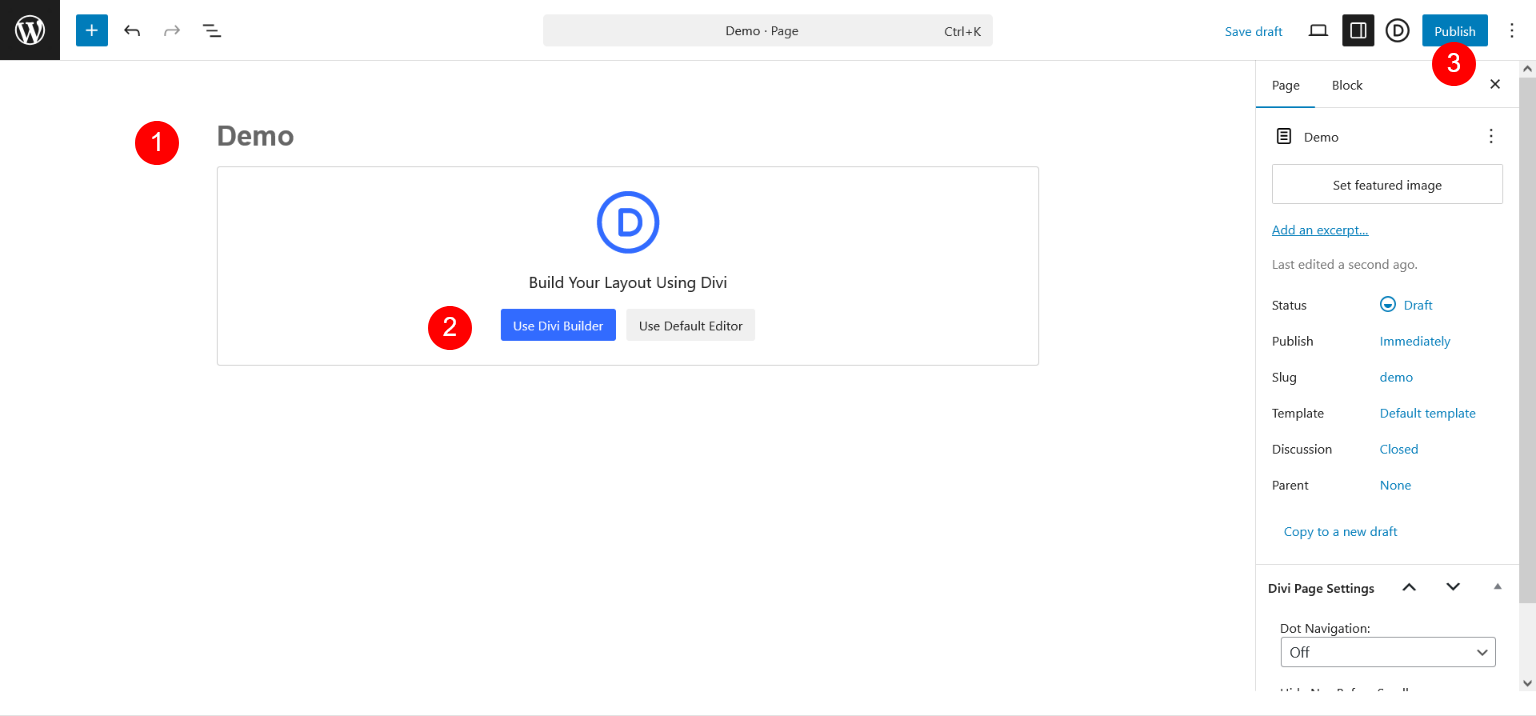
Go To Pages and Create Page -> Use Divi Builder
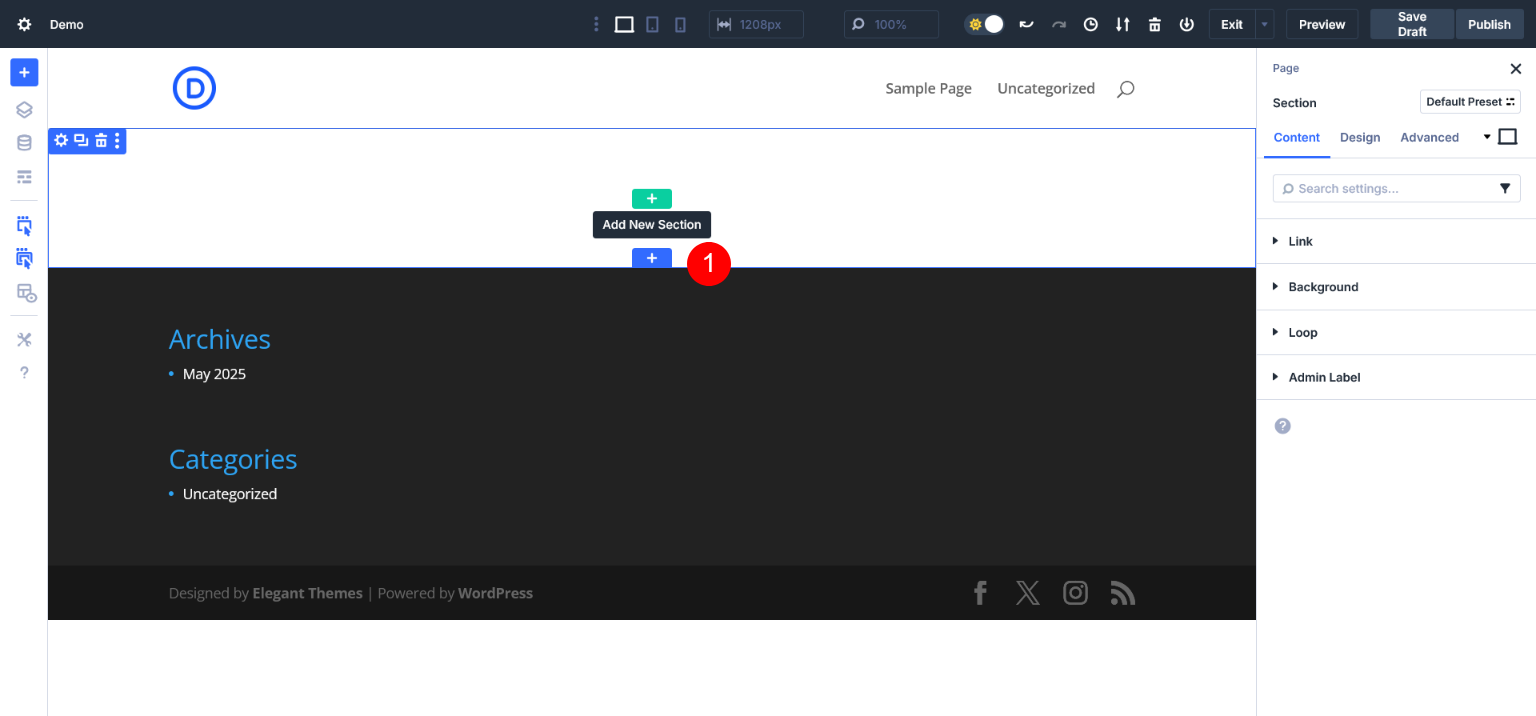
Go to Add New Section and Click on '+' Icon
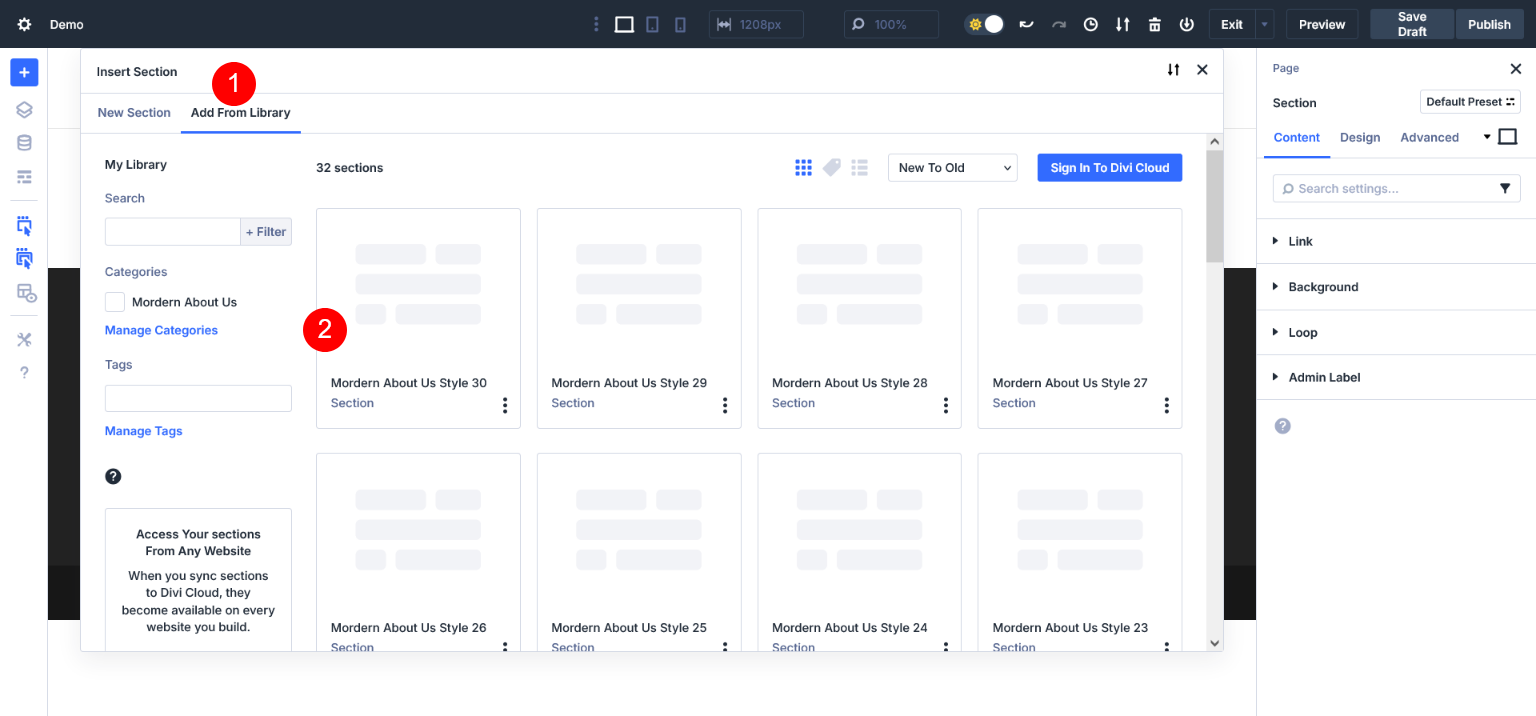
Go to Add From Library Tab
Now you can see all about us 30 styles and have select about style 30
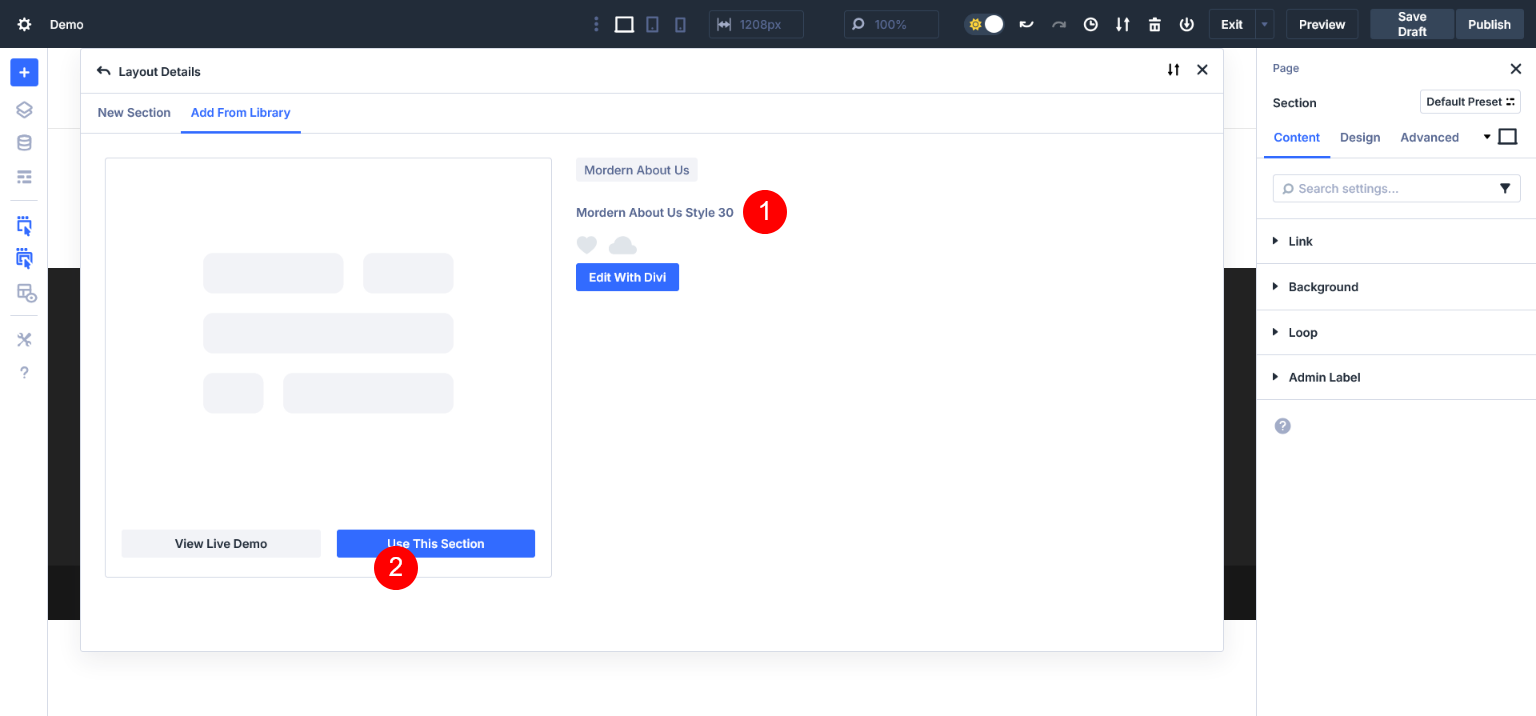
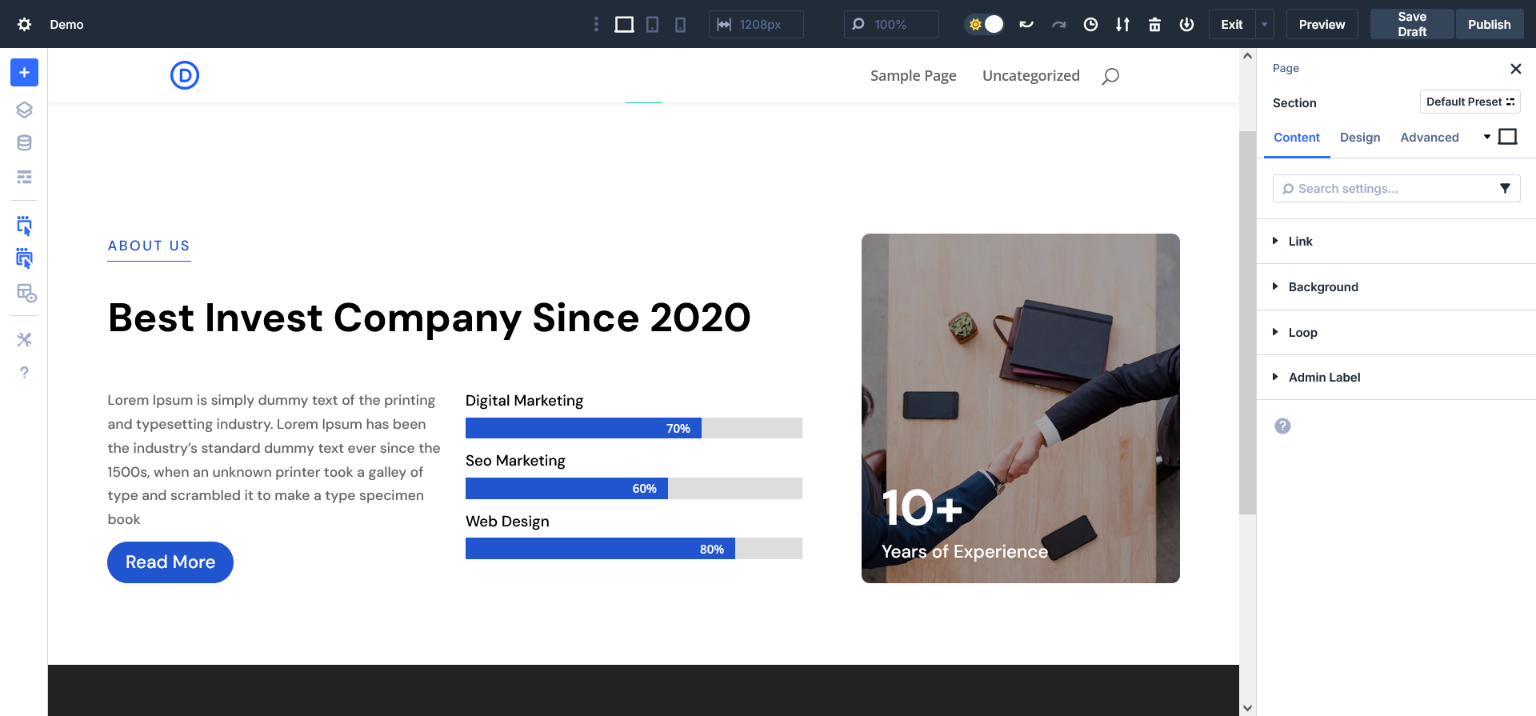
About Style 30 Imported Successfully
You can check wireframe view
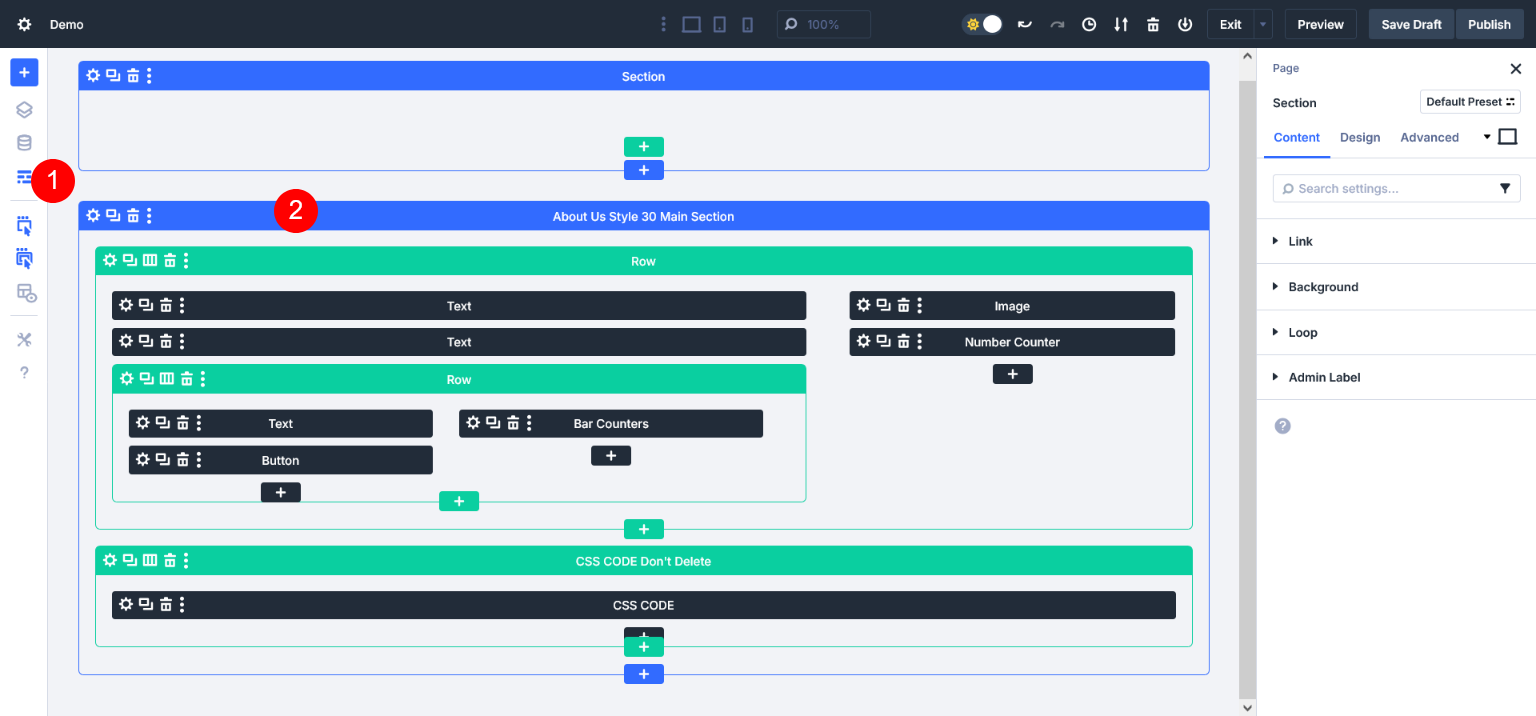
Check on front end